On photos or backgrounds with customizable stencils for shapes and patterns. Use over 1400 stamps to decorate artwork. Apply smudge tool for textured effects without touching the screen. Save and share completed drawings directly.
Take multiple photos with customizable delays ranging from 3 to 60 seconds. Use countdown audio for timing. Choose multiple snap options. Control flash settings. Preview photos and share to social media. Save images directly to the gallery.
Swipe to fill blocks and reveal hidden pixel art. Avoid touching enemies to progress. Tap to select and move blocks. Complete levels to unlock new images. Track progress and replay levels.
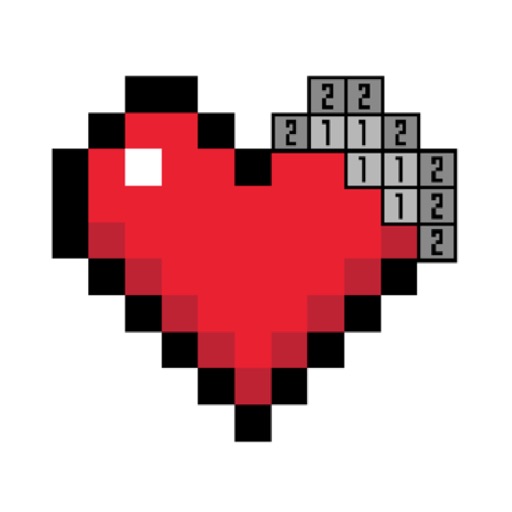
By Number game allows users to select from 25000+ artwork across 60+ categories. Paint boxes using numbers and a palette. Save and share completed colorings. Daily updates add 500+ new artworks. Includes kid-friendly options.
Create photomontages by combining elements from multiple images. Select and move objects between photos. Add text and effects. Export and share final compositions.
Create art with layer editing, color customization, and drawing tools. Add, delete, and copy layers. Adjust colors and save projects. Requires over 300MB free storage to create new projects.
Create art with layers and animation support. Use a variety of tools for detailed design. Add background music to animations. Export videos in MP4 format. Sync projects via Google Drive. Join a community for feedback and collaboration.
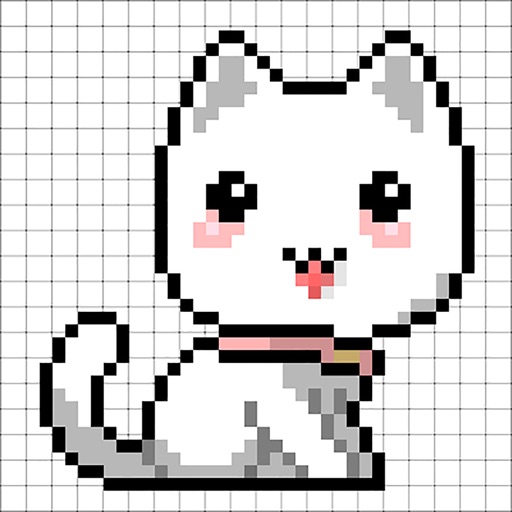
Convert photos into 8-bit art using AI and manual drawing tools. Adjust colors, resize, and refine details. Export as image files or share directly. Create profile pictures, game assets, or digital art with customizable settings and editing options.
Create and customize dinosaurs by breeding, feeding, and upgrading them. Battle other players in combat matches. Build and design 3D block-style worlds using crafting tools.
Allow users to fill in pictures with various colors. Drawing let users create their own artwork. A scribble pad provides a space for freehand drawing. Sticker lets users add stickers to images.
Edit photos by converting them to black and white while retaining selected details. Use multi-touch gestures to paint areas in black and white or restore original colors. Zoom in and out with two-finger pinching. Adjust and export edited images.
Create art by selecting colors and filling in grids. Choose from pre-designed artworks or design custom pieces. Save and share completed projects. Access a library of free art templates. Adjust color palettes and grid sizes for different projects.
Draw with pencil, brush, eraser, marker, and pen. Customize brushes with texture and fill colors using a bucket tool. Add text and shapes to drawings. Change backgrounds with color, texture, or images. Use grid for guidance and mirror for faster .
Convert photos and videos to art with 30+ styles and 10+ effects. Record art videos directly or apply the style to existing clips. Save results as videos, live photos, or gifs. Adjust settings to customize the pixelation effect.