Edit photos with nondestructive color adjustments, AI-powered automatic selections, and support for over 750 RAW formats. Use the Repair tool to remove unwanted objects. Export edited images in various formats and share directly.
Create and edit digital art with brush tools, layers, and blending modes. Import and manipulate images. Save and export in various formats. Sync files via iCloud Drive. Support Apple Pencil for precise drawing. Render graphics using GPU acceleration.
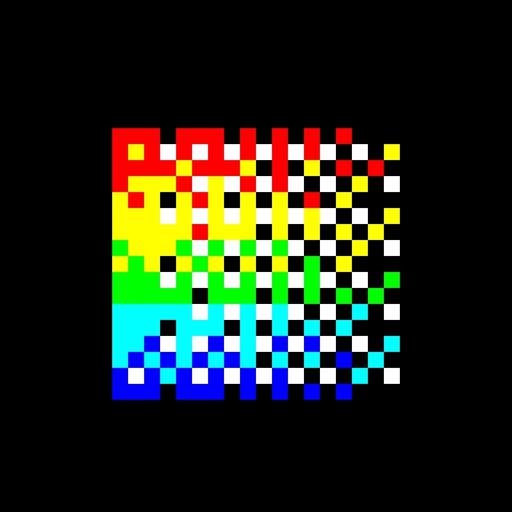
Apply true black-and-white dithering to photos and videos, creating pixel- visuals. Adjust color palettes to mimic vintage computer graphics or classic GIFs. Export transformed in various formats and share directly.
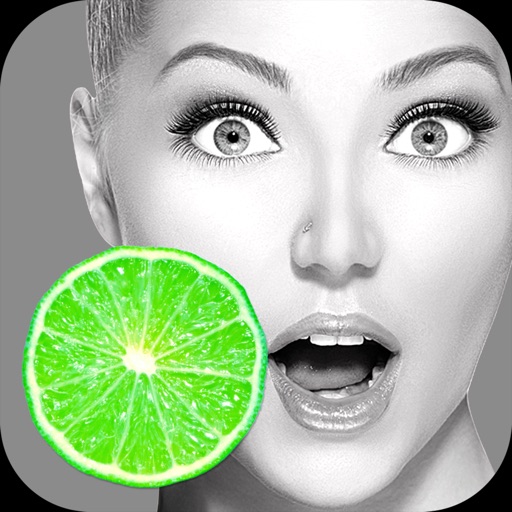
Convert to grayscale and highlight a specific . Tap to select the to emphasize. Preserve detail and apply effects using advanced computer vision. Export edited images directly.
Edit photos with AI-powered tools, intuitive gestures, and customizable sliders. Adjust exposure, colors, and clarity. Add text, stickers, and borders. Export in various formats and share directly. Sync edits across devices.
Remove backgrounds from photos using automatic eraser with machine learning. Identify and isolate people, animals, vehicles, and objects. Erase single-color backgrounds for chroma key effects. Manually adjust erased areas for precision.
Edit photos and images with advanced tools for retouching, layering, and painting. Create multi-layered art and designs. Adjust colors, contrast, and lighting. Export in various formats and share directly.
Multiple images simultaneously with customizable pixel dimensions. Choose from four modes including fixed width, fixed height, maximum pixel, aspect fill, or aspect fit. Export resized images in selected formats.
Apply distress effects, vintage filters, and creative textures to photos. Adjust intensity and blend modes. Save and share edited images. Access exclusive effects and future updates without additional costs.
Edit photos with brushes and black-and-white effects
Edit photos by converting them to black and white and selectively retaining with a finger brush tool. Zoom in and out using two-finger pinching for precise adjustments. Share edited images via email or upload to Twitter, Flickr, or Dropbox.
Edit photos with crop, rotate, exposure, color, sharpness, and resize tools. Create grid collages and edit individual images. Access presets, clone tool, and fine curve adjustments for detailed edits. Export and share edited photos directly.
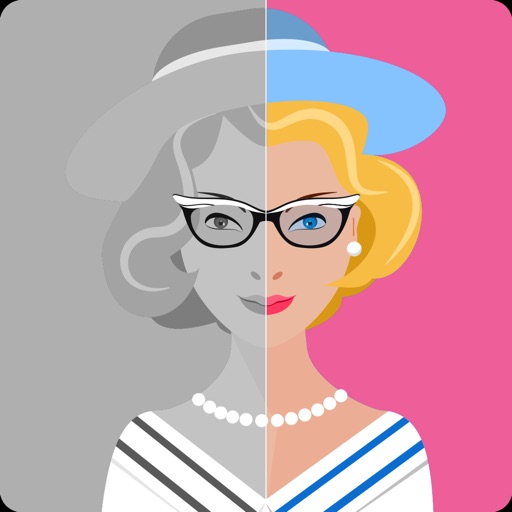
Convert black and white images to using selective recoloring. Select photos from the gallery or capture new ones. Pan and zoom for precise editing. Resize and fit images to the screen. Use redo and undo features for error correction.
Enhance and restore old photos using AI image processing. Adjust clarity, color, and brightness. Remove blur and repair damaged areas. Convert black and white photos to color. Export edited images in various formats.
Create custom wallpapers with scaling and resizing options on various backgrounds. Choose from color, gradient, pattern, bokeh, and text effects. Apply parallax effect for all iPhone and iPad devices.
Capture and collect color palettes for use in projects. Drag and drop colors into compatible apps like Pages and Keynote. Sync palettes across devices using iCloud. Analyze color schemes and save custom palettes for later use.
See color values in real-time using the camera or convert photos to grayscale. Measure lightness of specific points. Apply grayscale filters for sketching. Helps with grayscale art and contour line practice.