Create animated videos from photos or artwork using motion effects and transitions. Apply filters, adjust timing, and combine multiple images. Share finished animations to social media or via link.
By slowing down without pitch change. Loop sections for focused . Isolate vocals, drums, and instruments using AI. Record own . Control playback with Bluetooth foot pedal. Import songs or use Apple . Adjust speed, pitch, and BPM during .
Create music using touch-based sampling and gesture recording. Explore samples for melodies and textures with various play modes. Record compositions and experiment with audio in real-time.
Create and manipulate audio loops with customizable settings. Sample and sequence MIDI data. Host plugins and build custom effect chains. Sync with external devices and control performance parameters in real time.
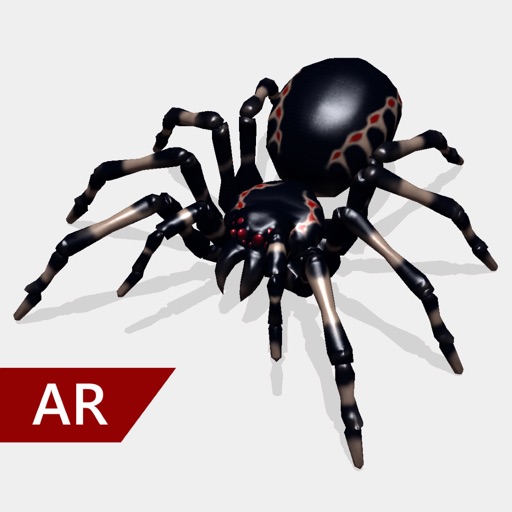
Create and share realistic scary videos featuring interactive . Choose from five spider types and adjust their size. Step on the ground to scare or let them attack. Apply nine full-screen filters to enhance the effect.
Create music by using nine animals as instruments. Set up drum loops, swipe to change instruments, compose melodies, adjust loop speeds, and add effects. Animations respond to user actions and enhance the musical experience.
Create and customize music with 300+ layered synth sounds and FM presets inspired by 80s synthesizers. Access exclusive DX7 and SY77 samples. Export audio files and share directly. No ads or subscriptions.
Allows users to process their into various effects. Apply vocoder, auto pitch, and harmonizing pitch shift. Adjust speed and sample sounds. Create robotic, animal, or comedic voices. Play musical instruments by without physical input.
Record and play files. Edit with cut, copy, paste, trim, fade, and silence insertion. Normalize and reduce noise. Adjust tempo, speed, and pitch. Use a 10-band equalizer and compressor. Split vocals and accompaniment. Remove reverb and clean voice.
Record and manipulate audio with a virtual deck featuring 3 controllable read heads, variable delay, and feedback. Sample, loop, and overdub audio. Use as a master effect or virtual recorder. Realtime visualization of movement and effects.
Play sounds at defined frequencies between 0Hz and 25kHz. Use the noise meter to measure sound levels. Test speakers with quality audio for sound output.
Create and manipulate sounds using a 16-voice polyphonic . Visualize and navigate sound design through X, Y, and Z axes. Adjust wavetables and vectors for dynamic sound shaping. Save and recall presets for custom sound configurations.