Blur faces automatically using facial recognition. Add blur, solid color, or emoji to hide faces. Resize and reshape blur regions. Adjust color and effects. Share edited images to photo library and other apps.
by Digitalt Hjarta AB★ 4.468 ratingsPhoto & Video$1.99Data updated 2026-09-11
Edit photos to create formats without cropping. Add blurred backgrounds to full-size images. Resize, rotate, and adjust photos. Save in high quality and share directly.
Turn photos into animated videos with AI technology. Add fake singing, cartoon faces, and special effects. Create dynamic videos from selfies, group photos, or old photos. Share finished videos directly.
Capture with real-time live effects and color presets. Apply adjustable effects and enhance colors simultaneously. Use screen flash for better results in low light. Share directly from the .
Edit photos with background erasing and changing tools. Blur backgrounds and apply portrait beauty effects. Add realistic filters and effects with one tap. Share edited photos directly. Join a community for editing tips and feedback.
Remove with automatic portrait recognition or brush matting tools. Choose from multiple shape options for precise masking. Add color line strokes to edited areas. Export modified images directly.
Edit photos and videos by automatically recognizing and processing backgrounds. Choose from four recognition methods including transparency, blur, and replacement. Process only the subject or apply effects like fluffy, mosaic, monochrome, or sepia.
Capture photos in RAW format without ND filters. Select capture mode, adjust , and set duration. Merge images into a 12-bit DNG file for editing. Apply motion blur to create artistic effects.
Using AI to create depth in photos. Upload images from the camera roll. Select or mode. Apply customizable effects including default, radius, motion, zoom, box, surface, and bokeh. Adjust settings for precise results. Export edited photos directly.
Create DSLR-style photos with background blur by selecting focus areas. Apply various filter effects for natural and realistic results. Adjust focus precision for professional-quality images.
Create AI-powered videos from photos with facial animation and motion effects. faces in photos or videos using advanced AI. Generate live videos simulating pregnancy or other transformations. Edit and refine animations with intuitive tools.
Edit photos with filters, masking tools, and multiple filter layers. Apply selective filters using advanced masking to create effects like color splash or tilt shift. Adjust and combine filters for custom results.
Remove unwanted parts of photos using AI-powered erasing. Add colors or images to create new backgrounds. Crop, draw over, and undo edits. Zoom for precision and blur edges. Save and share edited photos.
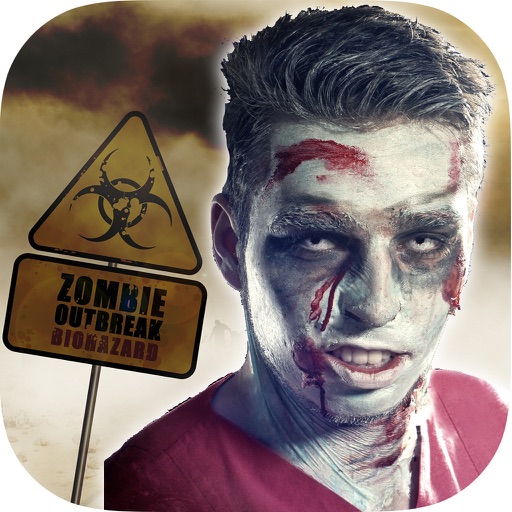
The app transforms user faces into various scary Vampire, Demon, and Zombie designs. Users can adjust effects on-the-fly and use finger gestures to rotate and resize them.
AI Photo improves blurry, old, or low-quality images using AI to remove blur and enhance details. Image restoration tools repair damaged photos. Facial analysis evaluates beauty with accuracy. Users can adjust brightness, contrast, and color.
Resize images to fit various formats like Instagram posts, stories, Facebook covers, or custom ratios. Adjust aspect ratios manually or select preset options. Apply Fit or Fill modes to scale images without cropping or stretching.