
Apps Like Jellycam - wobble any photo for iPhone and iPad
Jellycam - wobble any photo screenshots
Ranked alternatives
Showing 141–160 of 1,000 ranked alternatives.

Background Eraser . BG Editor
立乾 董
Cut out subjects and save photos
Intelligent : Outline the subject to automatically remove it from the photo. Save images to system album or application album. Edit saved images directly within the .





Water Color Pencil Lite
Raysoft.co
Draw with pencils and flow effect
Create art using realistic and watercolor effects. Draw with tools like marker, airbrush, crayon, and eraser. Apply fluid-based watercolor effects in the full version. Adjust colors and blend textures for detailed illustrations.
Oil Painting Effect - Convert Your Photos into Oil Paintings
Photo and Video Creative Labs, Inc.


Write and paint on photos
Mireia Lluch Ortola
Edit , add text, adjust layout
Edit by selecting from the gallery or taking a new photo. Adjust images to a square format. Add text with customizable fonts, colors, and borders. Move, rotate, and scale text. on with finger input.

Draw on a photo
Mireia Lluch Ortola
, edit, and share photos
Edit photos by drawing on them with adjustable brush sizes and color choices. Use an erase tool and undo/redo functions for precision. Save edited images for later changes or share them directly on social networks.


Mr Farts
HUGO.FM GAMES LIMITED
Send , play pranks, share laughs
Watch animated music videos and songs. Play interactive games like Fart Snap and Fart Sounds. Use Fart Remote to send to friends. Set countdowns for Fart Countdown pranks.
Zombies - photo stickers
Mireia Lluch Ortola
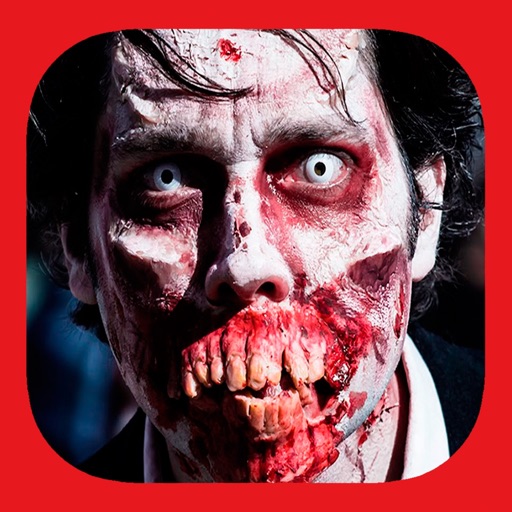
Apply zombie to photos
Add to photos for a terrifying effect. Choose from over 200 sticker options. Adjust sticker placement and size. Change background to black or white. Edit and save modified photos. Share edited images directly.
Photo Editor-Drawing on Images
泝诚 温
Edit photos and videos with custom tools
Edit photos with drawing tools, text stickers, and customizable colors. Crop with adjustable ratios. Apply filters and effects to change visual styles. Adjust brightness, contrast, and saturation for professional results.

How we rank alternatives
Apps are ranked by functional similarity, category fit, rating confidence, and popularity.