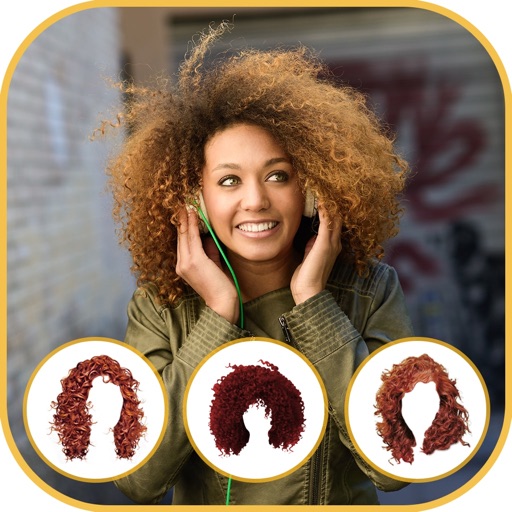
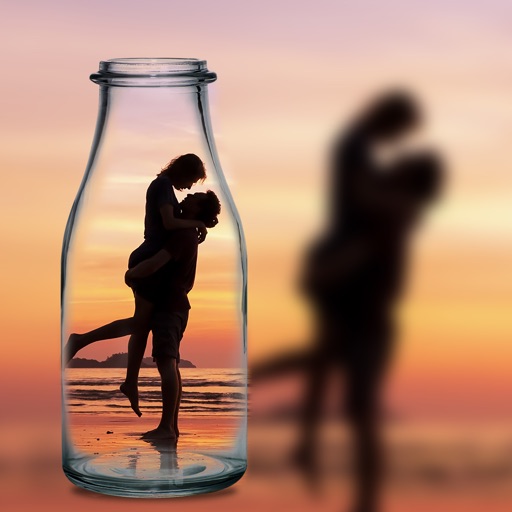
Edit photos by adding vampire from a collection of over 120 options. Adjust sticker placement and choose between black or white background. Select photos from the gallery or capture new ones with the built-in camera.
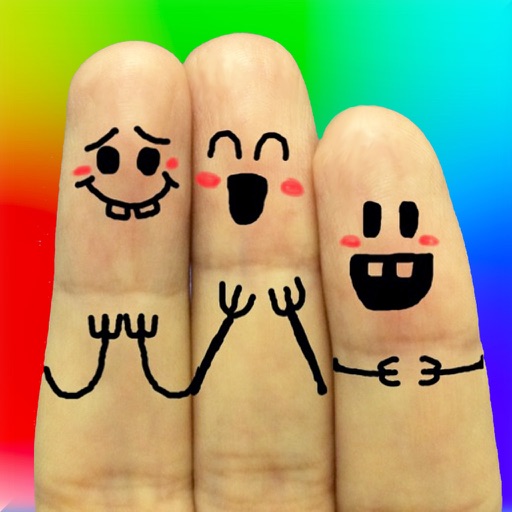
The app allows users to create finger faces using photos from their camera roll or by taking new pictures. Users can add faces, items, stickers, and text, or draw their own creations.
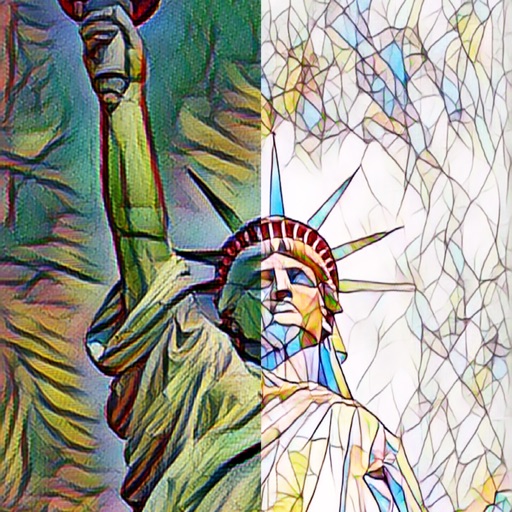
The app automatically corrects photos and offers numerous filters and styles. Users can save high-resolution images for printing and share them across various social networks and platforms.
Create collages by selecting multiple photos and arranging them in various layouts. Apply mosaic effects to individual photos for artistic results. Edit images with basic tools and save or share the final output.
The app offers family-friendly coloring scenes and characters with Retina Display graphics. Users can color ready-made drawings or use photos from their device, with features like color-in-the-lines and a paint bucket tool.
Edit photos with light filters, including circle, frame, star, heart, glasses, and lines. Add text with customizable vector graphics. Apply coloring and create templates for creative artwork. Export edited images directly.