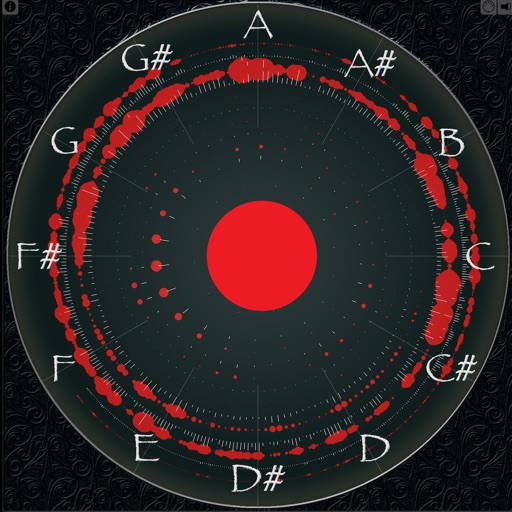
Tune instruments with real tuning technology for pitch detection. View a bright, visible display in low light. Compare tuning accuracy against FFT-based tuners. Lock in pitch with a single tap. Sync with MIDI devices for real-time feedback.
Practice ear with customizable exercises for chords, intervals, and scales. Track progress across different disciplines. Use a configurable for visual feedback. Access tutorials and follow guided lessons for skill development.
Create and edit songs by dragging and dropping chords. Transpose songs to any key. Generate print-ready PDFs. Analyze and display fingerings for chords, scales, and arpeggios.
Learn music by ear with stem splitting, sheet music generation, and playback controls. Adjust individual stems for bass, vocals, drums, and other instruments. Generate sheet music for audio or video.
Turn your iPhone into an with effects. Adjust a 10-band equalizer, apply reverb with over 10 presets, add delay, or use distortion with over 20 presets. Record and share audio with applied effects.
Displays sound frequencies using a Fast Fourier transform. Users can visualize incoming sound as individual sine waves. The shows frequency spectrum displays to analyze audio components.
Practice identifying , , and intervals through interactive exercises. Train ear to recognize melodies and chord progressions. Play accompaniment on guitar or piano. Track progress with built-in exercises and scales.
Create and customize music with drum loops across 15 genres. Tune instruments using a precise . Record and edit audio. Share tracks directly. Sync with other devices. Adjust effects and mix sounds.
Learn musical notes by associating them with colors and vibrations. Practice identifying pitches through synesthetic feedback. Track progress and receive guidance to improve recognition without a reference tone.
Play melodies by blowing into or drawing air through the mouthpiece. Select different reed configurations for various sounds. Adjust volume and pitch. Record performances and share files directly.