Note-taking allows users to write notes with handwriting or keyboard input. Customize pen color and size. Undo mistakes with a single tap. Count characters in notes. Edit, add, or delete memos as needed.
Perform basic and calculations including trigonometric and inverse trigonometric functions. Use mathematical functions like absolute value, ceiling, floor, and rounding. Modify calculations in real time by clicking steps.
Perform arithmetic operations and display the most recent formula. View historical records for accounting. Customize key tones with optional piano sounds. Receive real-time voice broadcast. Supports multitasking on iPad.
The app records every calculation step, allowing users to modify any step and recalculate without re-entering data. It functions like a printing calculator with a paper tape history for clarity and ease of use.
Manage TikTok by saving, sharing, and organizing them. Create collections for easy access. Preview before sharing. Edit metadata and adjust settings for each video.
SFX- performs basic arithmetic operations and allows calculations with a fixed constant. It includes non-volatile and volatile memory storage. It supports fraction and percentage calculations, linear regression, and statistical functions.
Create memos with a simple, no-frills interface. View character counts. Organize daily , shopping lists, and work tasks. Track household accounts and draft reports or meeting minutes.
Create and manage notes with a home screen for quick access. Add text, images, and voice memos. Set reminders and organize notes into folders. Sync across devices and share notes via links.
Step count widget syncs with Apple Health. widget displays images and slideshows. Countdown and track time and events. Memo widget adds notes. Customize fonts and backgrounds from albums. Preview changes in real time.
Calculate of geometric shapes with step-by-step explanations. Input dimensions and select shape type. View detailed calculation steps. Save results for later reference. Share solutions via email or messaging.
Perform calculations, convert units of measurement, and switch between different calculation modes. Input values, select formulas, and view results. Track history and manage multiple calculation sessions.
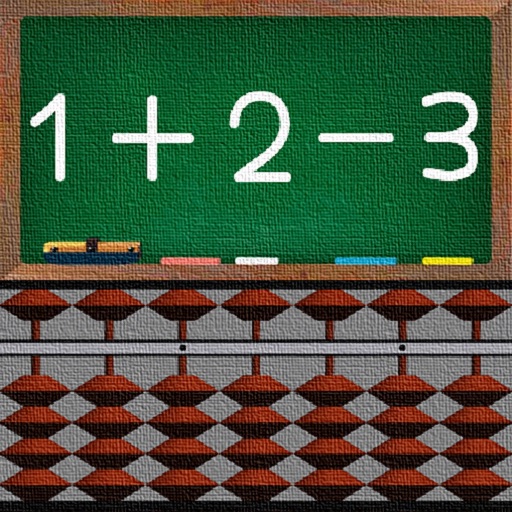
Learn addition and subtraction using a Soroban . Move beads to perform calculations. Practice basic math operations. Track progress with interactive exercises. Sync with devices for continued learning.
The app offers multiple lighting modes including Real FlashLight, Simple, Browser, and NotePad. It features a gesture function for ON/OFF control, SOS mode, and customizable blinking speeds.
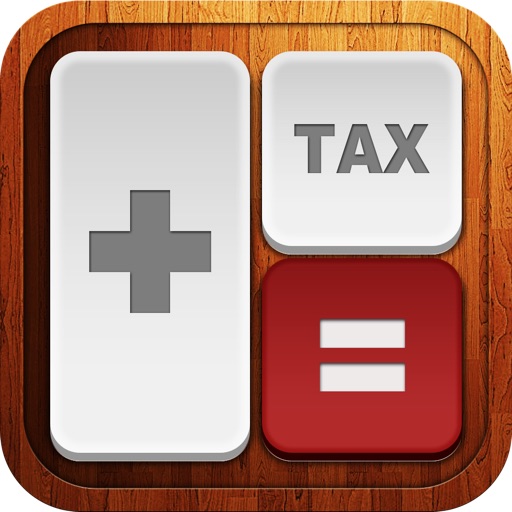
Calculate taxes with a dedicated tax button and grand total function. Display equations and results simultaneously on a double line interface. Round to two decimal places and correct mistakes easily. Email or copy tape entries for record keeping.
The app allows users to keep schedules and notes by handwriting directly on a calendar. Users can add photos, text, icons, and wallpapers to personalize their calendar entries and save daily plans, memories, and more.
Track calculations with a step-by-step history. Perform basic arithmetic operations. Save and review previous steps. Calculate totals for budgets or shopping lists. Edit or clear individual steps. Export results as text.