iPhone Screenshots


Description
— Features of Newmo Calc Pro —
◉ One-handed mode
◉ Change the color automatically
◉ Share your screenshot easily
◉ Many styles to choose
◉ Easy to read numbers
◉ Easy to press buttons
◉ Easy memo function
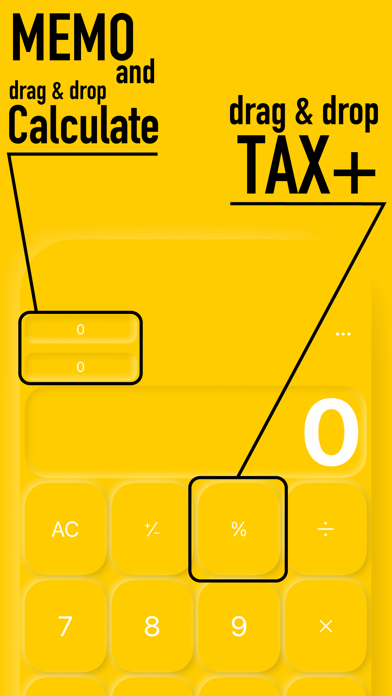
◉ Drag and drop the "Memo" button for easy calculation.
◉ Drag-and-drop the "%" button to easily change the value to include tax.
◉ Switch between "+", "-", "×", "÷" as many times as you like even if you make a mistake
◉ Swipe right to correct.
◉ Swipe left to correct a single number.
◉ Change button color from black ⇄ white.
◉ iPad compatible!
What you can't do
The calculation method is not a "formula" method. The calculation method is not an "equation" method. The calculation is done in order, so「 x, ÷」 is not calculated first until you press "=" exsample is ( 10 + 20) × 3 = 90.
Maximum numbers will be performed up to 9,999,999,999 or -9,999,999,999 to damage the screen design
We have also created a pattern-themed calculator called Patterns Calc, so you can choose the one you like best.
More info
◉ satomic apps web site
https://satomic.net
◉ satomic twitter
twitter https://twitter.com/satomic13