Edit photos with single-tap effects and professional filters. Adjust brightness and contrast. Apply blur and focus tools. Enhance portraits with specialized filters. Export edited images in various formats.
Edit photos with and mosaic effects. Apply 15 types of or mosaic filters. Adjust color to create soft or colorful images. Save and share edited photos directly.
Capture with real-time live effects and color presets. Apply adjustable effects and enhance colors simultaneously. Use screen flash for better results in low light. Share directly from the .
Photos by automatically detecting foreground and with a smart selection tool. Refine edges using an on-screen brush for precise adjustments. Choose from over 15 effects to customize the appearance. Export edited images directly.
Edit photos and videos with customizable , presets, and effects. Add grain, dust, blur, and dark effects. Adjust colors and create atmospheric effects. Share edited content directly.
Backgrounds using artificial intelligence for quick depth effects and portrait mode. Adjust intensity manually. Unblur photos if needed. Share edited images directly to Instagram.
Edit photos with color and film filters, vintage textures, and light leak effects. Adjust brightness, contrast, and saturation. Add vignettes and analog film sensations. Export edited images in various formats.
Capture photos with analog effects including black and white negatives, vintage negatives, and Lomo . Apply 95 filters for grain, light leaks, and blur. Adjust color, contrast, and brightness for realistic tones. Export and share edited photos.
Edit photos with 25 tools and effects. Adjust brightness, contrast, and saturation. Save progress and undo changes. Share edited photos to social networks. Preserve EXIF data and edit geo-location. Export high-resolution images up to 3000x3000.
Create 3D effects by moving the phone to capture multiple angles of a subject. Apply filters and effects to enhance the image. Add customizable background blur to simulate professional camera quality. Export videos without watermarks.
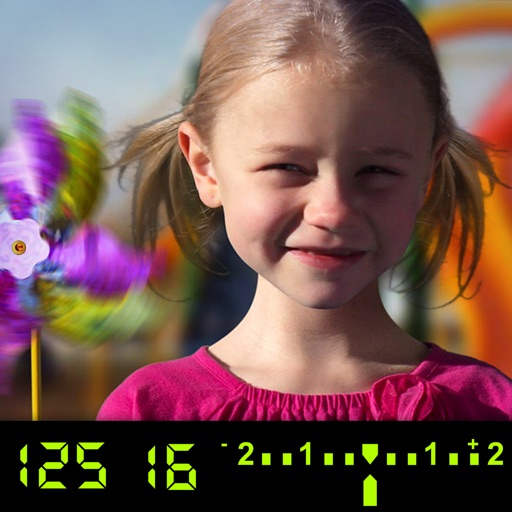
The app visually explains DSLR camera controls and allows users to experience the effects of various settings. It provides instant feedback and advice on user settings, making it a tool for learning photography.
Edit photos with motion , bokeh lens, and mosaic effects. Adjust brightness, contrast, and color. Crop images to various sizes. Share edited photos directly. Apply to the entire image, background, or specific faces.
Apply blur effects like Gaussian, motion, and tilt-shift. Adjust blur intensity for desired results. Edit photos with tools to enhance clarity and composition. Save and share edited images directly.
Edit photos with filters, cropping, and brightness adjustments. Add text, stickers, and drawings. Remove blemishes and whiten smiles. Create collages with multiple layout options. Export in various formats and share directly.