Create collages by combining photos, adding stickers, and applying effects. Choose from multiple layouts and templates. Edit images with cropping and filters. Share finished collages directly to social media.
Two photos to create a double exposure effect. Adjust blending modes and positions to merge images. Apply filters and share results on social media platforms like Instagram and Facebook.
Photos by selecting an image from the library or taking a new one. Add text with customizable fonts, colors, sizes, and borders. Position text on the and share the labeled image.
Edit with filters, stickers, and emojis. Create photomontages with built-in effects. Apply artistic tools for detailed edits. Add with customizable fonts and colors. Export and share edited images directly.
Create personalized greetings with frames, cake designs, stickers, and fonts. Add photos to cakes or customize names. Edit and share messages with text and decorative elements.
Add to photos using over 63 customizable fonts. Customize , size, and color. Apply filters, stickers, and artwork to enhance designs. Save and share edited images directly.
Create videos by combining photos and videos. Trim and merge media files. Add background music and transitions. Apply filters to enhance videos. Import from photo library. Share on Facebook, Instagram, YouTube, and email.
Scan photos wirelessly, create slideshows with voice
Create slideshow movies with voice and text overlays. Add voice recordings from yourself or others. Share finished movies directly from the . Scan photos wirelessly using the FF-680W scanner.
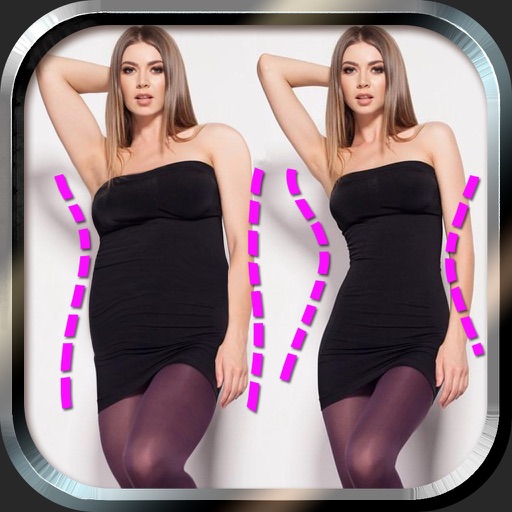
Edit photos to and body using auto-detection. Adjust and body thickness with sliders. manual edits and undo changes. Compare original and edited images. Save results to albums and share via email or social media.
The app allows users to add text captions to photos and share them. Users can select from 78 custom fonts and 41 layer effects, including banners, thought bubbles, frames, and emojis, to enhance their captions.
Resize photos to format without cropping. Apply filters, add text, emoji stickers, and customize background effects. Share directly to social media platforms.
The app creates unlimited collages with a single tap using a SmartSorting algorithm. Users can import photos, select modes, and apply various styles, text, backgrounds, filters, and stickers.
Edit photos with filters, effects, and adjustments. Add text with multiple fonts, colors, and effects. Overlay text or add captions and 3D text. Include stickers, artwork, and frames. Create collages and personalize cards with photos.
Create slideshow videos by selecting templates, adding photos or videos, and applying transitions, animations, and effects. Customize with stickers, fonts, and music. Share directly to social media platforms or save to camera roll.
Create collages with layouts, filters, and stickers
Create collages using 300+ layouts and customize shapes and aspect ratios. Apply 200+ filters, add stickers, HD backgrounds, text with stylish fonts, doodles, and quotes. Share collages directly to Instagram and other social media platforms.