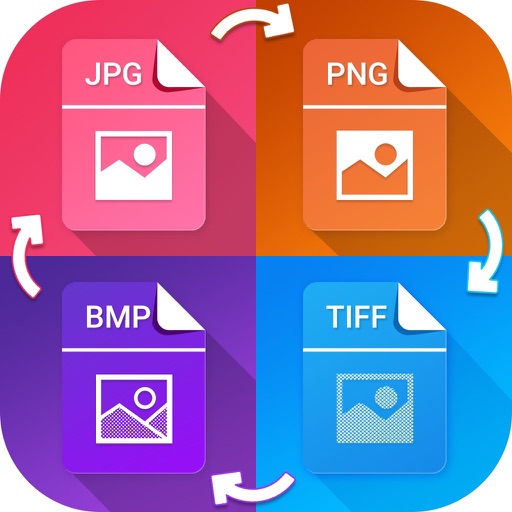
Convert photos to various formats like JPG, PNG, GIF, and SVG. Select input file, choose output format, and convert in seconds. Save or open converted files in preferred apps. Supports multiple input and output formats.
Monitor and control camera settings remotely via smartphone. View live preview from compatible camera. Upload photos and videos to social media platforms. Adjust focus, exposure, and other shooting parameters.
Create sketches from photos or camera captures with "," "Doodle," and "Hatch" styles. Adjust colors for black-white or vibrant results. Save images with a single tap. Share generated sketches directly.
Crop and split photos into two sections or use custom crop settings for panorama images. Resize images as needed and save them to the photo library without watermarks or logos.
Add grids to images with 5 types including rectangle and square options. Customize lines with RGB colors. Adjust rows and columns or set row height and column width. Export edited images.
Convert images to over 20 formats including TIFF, GIF, JPG, PNG, PDF, and WebP. Manage media files, organize collections, and export images in preferred formats. Share converted files directly or save to device storage.
Turn photos into paintings with one-tap conversion. Edit, add signatures, and share on social media. Print artwork via CanvasPop with frame and size options. Transform videos into animated paintings.
Choose a photo from your camera roll or take a new one, then apply effects automatically. Select from various styles, adjust positioning, zoom, and customize edits. Save and share the final .