Type messages using on Apple Watch with a built-in keyboard. Send texts via watch without needing a phone. Learn with a cheat sheet. Use dits “.” and dahs “-” to type in on iPhone or iPad with the included keyboard.
by Caesar Salad Software LLC★ 4.310 ratingsUtilities$4.99Data updated 2026-09-11
Send texts, voice messages, photos, videos, GIFs, and files for free. Make encrypted voice and video calls with group support up to 50 people. Create group chats with up to 1,000 members. Share files and media securely.
Convert text to and vice versa. Transmit via flashlight, screen blinking, vibration, and sound. Receive and decode input. Share converted messages directly.
Learn and practice Morse code through interactive lessons and quizzes. Input text to convert to Morse, or decode messages. Track progress and test speed. Share results and challenge friends.
Turn on flashlight instantly with bright illumination. Use camera flash for additional light. Send Morse Code messages in real time. Locate objects in the dark or navigate by lighting pathways.
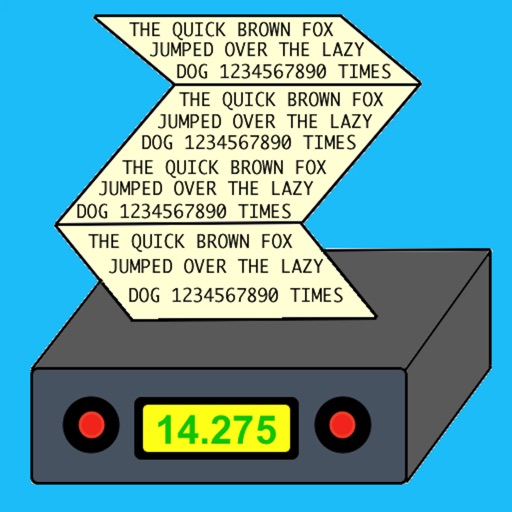
The app decodes morse code transmissions on an iPad, iPhone, or iPod Touch. It can automatically determine the sending speed and track frequency changes.
Learn and practice code with modes for beginners and professionals. Practice listening comprehension and alphabet character recognition. Create text archives for classroom dictation exercises. Transmit LED-coded messages for encrypted communication.
Learn morse code using the Method, which trains reflexes at 20 WPM. Practice with customizable speed settings. Track progress with repetition and accuracy metrics. Receive feedback on correct and incorrect responses. Export progress reports.
Convert text to and decode incoming signals. Share decoded messages. the alphabet through interactive lessons and exercises. Track progress with daily practice. Test skills with quizzes and audio pattern recognition.
Decode Morse code audio into text by accessing the microphone and placing the device near the audio source. The automatically detects frequency and speed, displaying real-time text in a bottom panel. Use the lock icon to secure the interface.
Convert text to and vice versa. Send and receive signals using front or rear light sources. Toggle manual light signals for instant SOS alerts. View signal patterns and practice encoding.