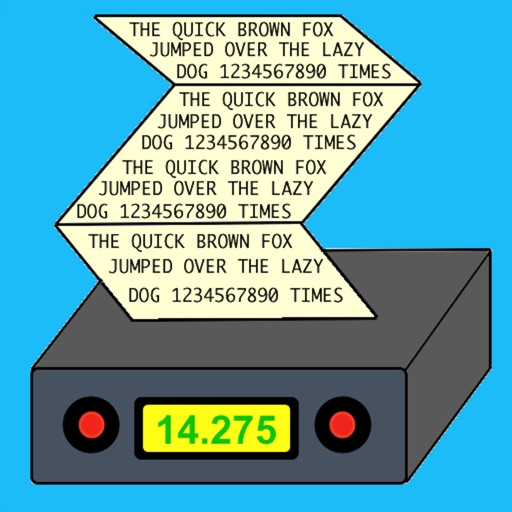
The app decodes morse code transmissions on an iPad, iPhone, or iPod Touch. It can automatically determine the sending speed and track frequency changes.
by Black Cat Systems★ 3.928 ratingsLifestyle$2.99Data updated 2026-10-08
Decode Morse code audio into text by accessing the microphone and placing the device near the audio source. The automatically detects frequency and speed, displaying real-time text in a bottom panel. Use the lock icon to secure the interface.
Translate text to with customizable speed and color. Send messages via email. Supports letters, numbers, and special characters. Blink iPhone light to transmit signals.
Learn morse code using the Method, which trains reflexes at 20 WPM. Practice with customizable speed settings. Track progress with repetition and accuracy metrics. Receive feedback on correct and incorrect responses. Export progress reports.
Learn and decode with AI-powered audio recognition that translates sounds into text. Practice through games like sound recognition and typing races. Access a detailed table for reference. Translate text to and vice versa.
The app generates Morse Code audio tests using common English words. Users can adjust speed and tone, with options to display or hide words for learning and practice.
Learn Code using the Koch Method and Farnsworth spacing. Track progress with graphs and results. Practice sending and receiving code. Set training sessions and review speed. Adjust difficulty based on performance.
A with three modes: torch, light, and strobe. Adjust brightness manually or automatically. Lock the screen to prevent accidental closure. Features quick startup and high-quality graphics for older iOS devices.
Secure messaging allows users to send encrypted messages with end-to-end . Register using a fake 8-digit number instead of a phone number. Set a password for login and use a destroy password to erase all data. Connect to a private Morse server.
Provides illumination using the device's flash or screen. Users can activate the light, adjust brightness, and control the from the lock screen. The optimizes battery usage and launches quickly.
Encrypt and decrypt messages using code. Send encoded text via email or messaging apps. Include customizable symbols and support for multiple languages.
Turn on a bright with a single tap. Adjust brightness and color temperature. Use as a timer or night light. Share functionality with other devices via Bluetooth.