Create interactive video messages by adding custom backgrounds, animated effects, and ambient music. Customize transitions and text to reveal personalized messages. Share the final video directly.
Balance fans by analyzing wobble with phone camera. Number blades and record movement. View wobble strength in real time. Determine blade positions and weight placements to correct imbalance.
Convert live stream clips from Twitch, Kick, and other sources into vertical and horizontal formats. Upload to TikTok, Instagram, YouTube, and other platforms. Adjust layouts, crop, and resize videos for different platforms.
Add motion to photos and videos for Instagram Stories, ads, and Facebook. Adjust speed and direction. Export edited clips directly to social media platforms. Share content with customizable transitions and effects.
Edit videos by adding zoom effects using pinch or drag gestures. Cut or uncut unwanted sections with the scissors tool. Change aspect ratio and videos. Save and share edited videos directly.
Record videos from your library or capture new footage. Adjust overall speed or specific sections. Enable or for selected parts. Export edited videos in various formats.
Split videos into segments of 30 seconds, 1 minute, or 2 minutes. Preview clips before splitting. Choose durations matching platform requirements like TikTok, Instagram Reels, YouTube Shorts, or WhatsApp Status.
Create vertical videos with adjustable speed and volume settings. Apply filters designed for use. Add music from iTunes. Trim, reorder, and delete clips. Share videos on Instagram, IGTV, Stories, Snapchat, or other platforms.
Convert Photos to videos, GIFs, or single images. Transform videos Photos. Edit media with built-in tools. Share converted content directly. Create Wallpapers from photos and videos.
Paste Pro allows users to manage history, access copied text via custom , and remap copy-paste functions. Users can view paste history, access notes quickly, and separate data for organized storage.
Remove unwanted objects, people, or background elements from videos using AI. Select and track moving targets with dynamic tracking. Highlight areas with brush and outline tools. Clean fixed areas like logos or timestamps. Trim and merge segments.
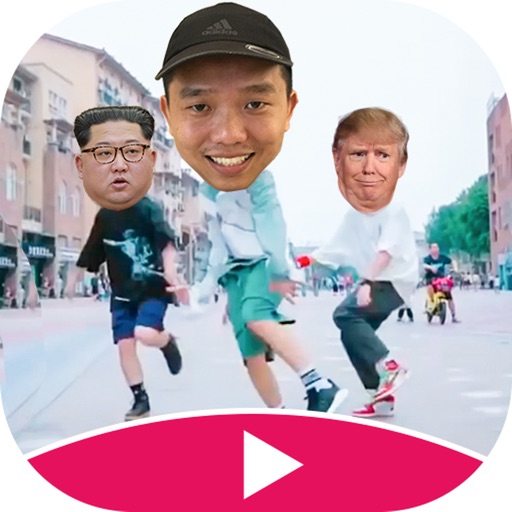
Create -swapped videos by uploading a self-photo to apply to templates. Replace faces in clips with characters or other faces. Access regular template updates. Export high-quality videos for social media platforms.
Record 360° videos in 5.8K resolution. Crop and frame sections of 360° footage. Share as HD video or immersive 360° video. Apply stabilization to reduce camera shake. Edit clips and export in multiple formats.
Resize and crop images for specific dimensions and resolutions. Adjust colors and metadata accurately. Batch process multiple files with customizable workflows. Export in various formats for social media, printing, or projects.
Create reflection for photos with left-right, up-down, and repeating options. Apply cool filters and artistic frames. Edit images to generate twins and typography .