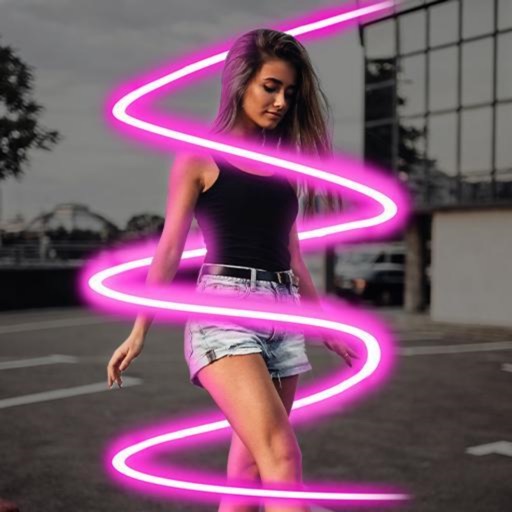
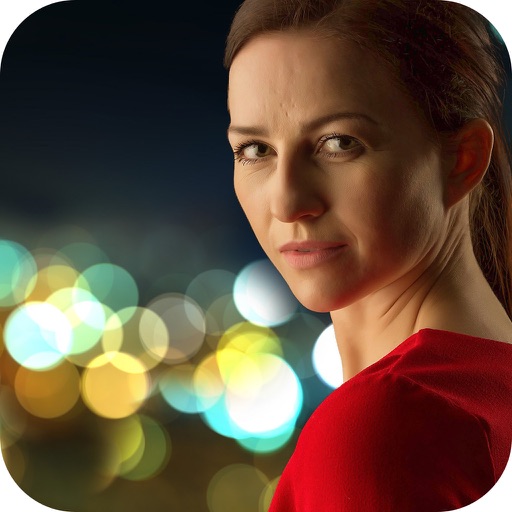
Edit photos with motion , bokeh lens, and mosaic effects. Adjust brightness, contrast, and color. Crop images to various sizes. Share edited photos directly. Apply to the entire image, background, or specific faces.
Backgrounds from photos with precision, save images with transparent backgrounds, or replace them with custom ones. Edit photos by adding filters, drawing, inserting text, and applying stickers to create professional images and social media content.
Create 3D effects by moving the phone to capture multiple angles of a subject. Apply filters and effects to enhance the image. Add customizable background blur to simulate professional camera quality. Export videos without watermarks.
Adds depth effects to portraits using neural network technology. Adjusts background blur manually for precision. Offers multiple blur settings to customize the artistic effect.
Apply real-time or post-processing effects like VHS, , CRT, and chromatic distortion to photos and videos. Adjust flickering overlays and vintage shaders. Export edited content in various formats and share directly.
Use live camera, photos, and videos as media sources. Stream video content. Remove with chroma key and spill suppression. Erase backgrounds and skies using AI. Replace erased areas with built-in backgrounds or textures. Blur backgrounds with AI.
Edit photos with stretching, squeezing, pinching, and prodding tools to create surreal effects. Apply advanced image manipulation techniques similar to professional software. Export edited images in various formats and share directly.
Create pixelated photos with customizable frames. Apply blur and black-and-white effects. Adjust touch controls for creative effects. Choose from available frames or customize your own. Export and share the final image.
Edit images to remove backgrounds and create transparent images. Use zoom for precise edits. Cut out objects and save as stickers. Export for use in presentations, documents, and image editors.
Apply art to photos for creative visuals. Add spiral effects and blur backgrounds. Use emoji art, background art, and outline art to enhance images. Apply AI, cartoon, neon, and mask effects. Create retro, atlantis, and big camera styles.
Edit photos with AI-powered tools for object removal, people elimination, blemish correction, and background editing. Adjust colors, brightness, and contrast. Add text and filters. Export and share edited images directly.
Edit photos with brightness, saturation, and contrast adjustments. Add text, stickers, and memes. Crop, rotate, and straighten images. Apply effects and frames. Sharpen or blur photos. Import images from the camera roll. Fix red tones.