Create custom avatars and choose from multiple game modes including drawing, guessing, and playing with friends. Participate in daily challenges to compete globally and earn coins by guessing others' drawings.
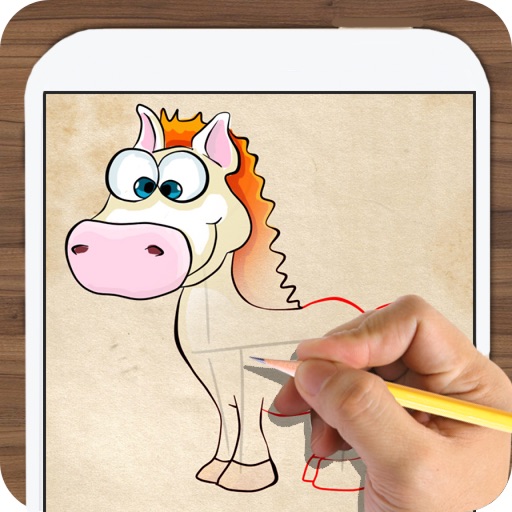
Offers and themed pages for drawing. Users can select from characters, animals, robots, and princesses. Features include easy navigation, saving progress, and exporting artwork. Suitable for all ages and interests in creative drawing.
Create art by selecting colors and adjusting brush settings. Draw on a -like surface where flows and shifts. Manipulate to blend colors or form shapes. Use the dynamic behavior for creative expression and artistic experimentation.
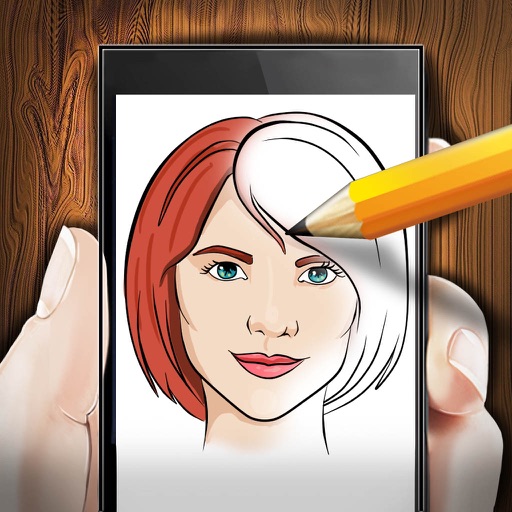
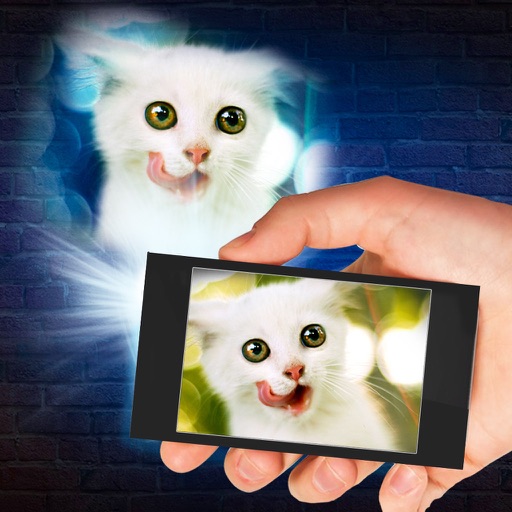
Use phone camera to project images onto surfaces for tracing. Access templates for drawing and coloring. Color traced images to create artwork. Share finished drawings directly.
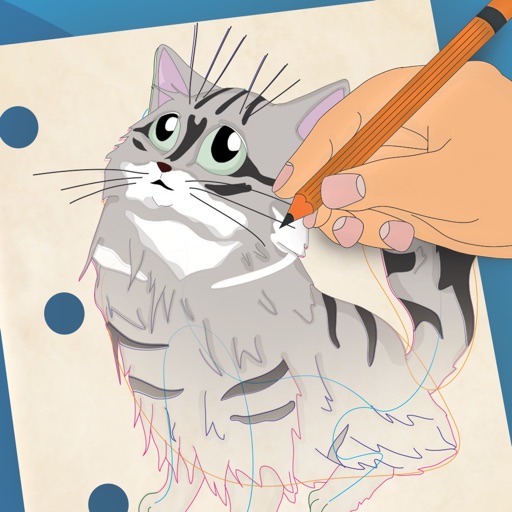
To create anamorphic drawings with animated step-by-step guidance. Follow each step by watching animations and replicating lines. Repeat steps as needed. View drawings from specific angles to see the final image.
Create and edit drawings with over 20 colors and adjustable brush sizes. Save drawings and their creation process in a built-in gallery. Replay or resume drawings at any time. Draw on iPhone, iPad, or iPod Touch.
Learn key names through interactive guessing games. Identify before fly away. Correctly guess all to win. Restart if incorrect. No ads or in- purchases.
Create images, drawings, and paintings with customizable brush settings including thickness, color, transparency, and dynamic intensity. Sketch and modify simple graphics for logos, clothing, hairstyles, and more.
The app develops a child's creativity by allowing them to draw with colors and create music. It helps children perceive links between color, sound, and shape, offering a unique sensorial experience.
Create traditional hand-drawn animations with support for Apple Pencil or finger input. Use the traditional xsheet for timing and thumbnail previews. Enjoy smooth, natural drawing with automatic onion skin lighting for better visibility.
Create and edit digital artwork with layers, brushes, and custom tools. Adjust colors, brightness, and contrast. Import photos and sketches. Save and export in various formats. Apply filters and effects. Collaborate with others through cloud sharing.
By allows users to select pre-made images and fill them using numbered codes. Users can zoom in on the drawing, choose colors, and match them to the image. Autosave functionality is available, and new pixel art and by puzzles are added daily.