Create drawings with Apple Pencil support. Use grid or lined backgrounds. over existing images. Save square images. Add widgets to showcase drawings on the home screen. Enable multitasking and multi-window features on iPadOS.
Lines to connect mother cats to their kittens and guide them home. Complete puzzles by creating paths through challenges. Customize cat appearances and track progress through levels. Share completed puzzles with friends.
Learn to characters and animals with guided tutorials. Choose colors and customize designs. Save and share drawings. Access a variety of kawaii characters, anime, food, and holiday themes.
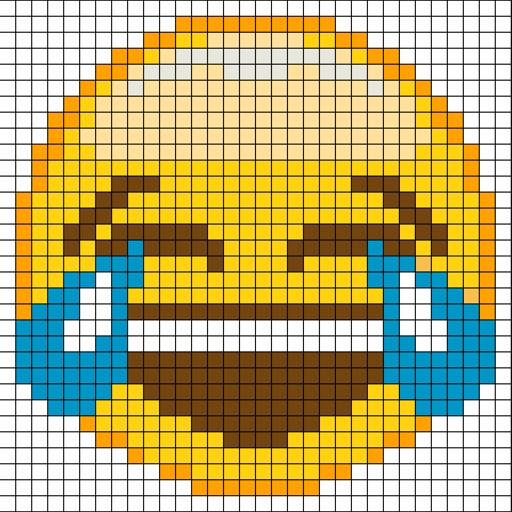
Create by painting individual pixels. Adjust canvas size, select colors, and customize border settings. Erase, undo, and resize drawings. Save artwork to gallery and storage. Share completed pieces others.
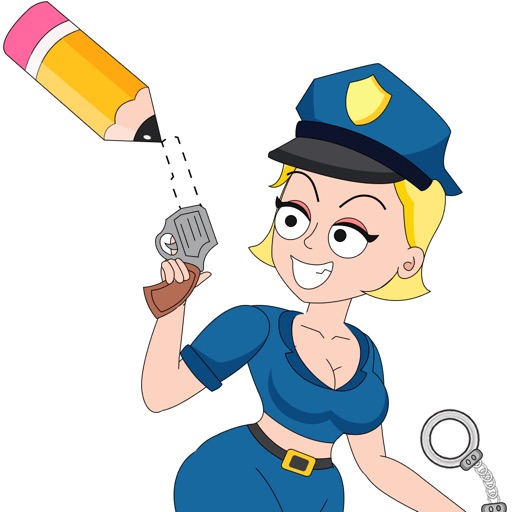
Let users sketch officers to solve challenges. Complete levels by creating drawings that make officers happy. Access hints when stuck. Choose from 200+ scenarios and . Test drawing skills through varied challenges.
Solve puzzles by matching colors and shapes. Clear levels by completing patterns. Earn points and unlock new challenges. Track progress and compete with friends. Share achievements on social media.
Create and edit drawings with a variety of colors and brushes. Sketch freely and refine details. Save, share, and publish artwork. Include step-by-step process for each drawing. Export in multiple formats and share directly.
Control a colored cube to navigate winding roads by tapping and holding to slide along the race route and a line. Adjust speed and collect items to earn points. Track progress and replay levels for continued gameplay.
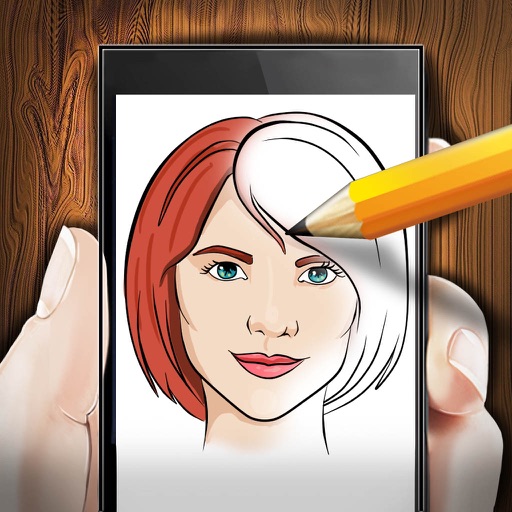
The app provides step-by-step drawing lessons for various subjects like animals, cartoons, and anime. It also includes coloring pages with an online catalog for users to paint images.
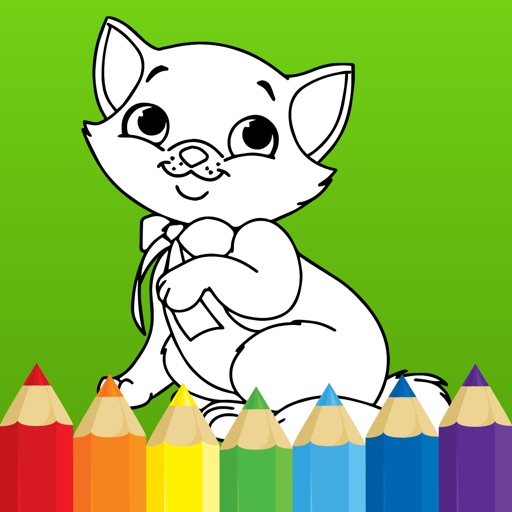
The app offers a digital coloring experience with over 150 free princess and fairy pictures. It includes 10 brushes for drawing and painting, and a movie feature to record and replay drawings as animation clips.
Allow users to fill in pictures with various colors. Drawing let users create their own artwork. A scribble pad provides a space for freehand drawing. Sticker lets users add stickers to images.