Create drawings with Apple Pencil support. Use grid or lined backgrounds. over existing images. Save square images. Add widgets to showcase drawings on the home screen. Enable multitasking and multi-window features on iPadOS.
Edit photos with crop, rotate, exposure, color, sharpness, and resize tools. Create grid collages and edit individual images. Access presets, clone tool, and fine curve adjustments for detailed edits. Export and share edited photos directly.
And share visual content such as designs, sketches, and ideas. Explore others' posts to with like-minded creators. Experiment with shape, form, and motion in your creations.
Turn photos into sketches, oil paintings, and watercolor with style transfer. Apply filters to enhance visuals. Export edited images in various formats and share directly.
Create realistic clothing mockups using AI-generated images and 3D models. Upload designs or sketches to generate photo-real product images. Choose from various mockup templates and adjust lighting and angles.
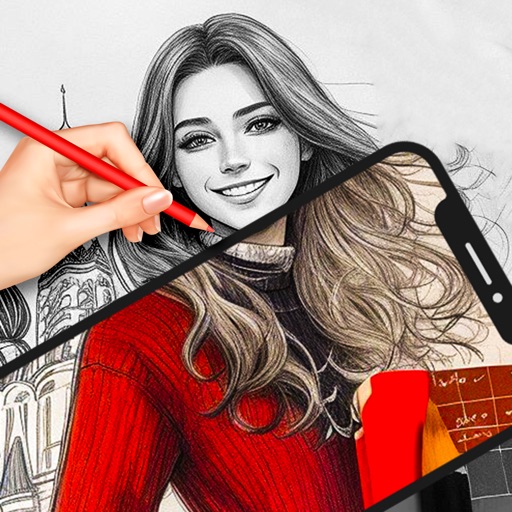
Convert photos into sketches using up to six different image effects. Apply filters, adjust contrast, and save or share the edited images. Export in various formats and view before-and-after comparisons.
Create 3D designs with AI-powered room planning and landscape visualization. Adjust layouts, select materials, and view realistic renderings. Import blueprints and collaborate with professionals. Export designs and generate cost estimates.
Read, edit, create, and organize PDFs with annotation tools. Scan documents and convert to PDF. Summarize, generate content, and annotate across multiple files. Securely store and share PDFs without data collection.