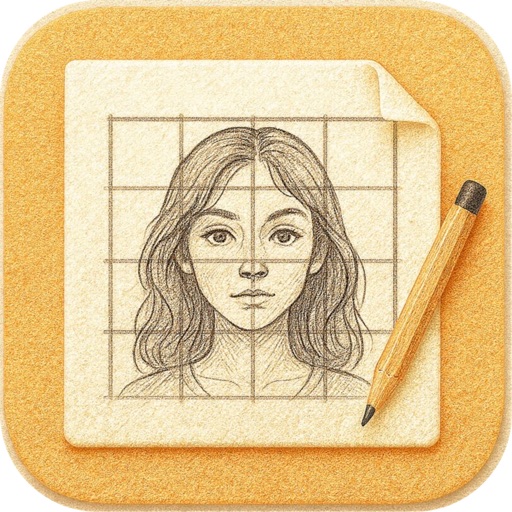
Create and customize grids on images for drawing and painting. Place grids over photos to use as reference. Adjust size and spacing. Export layers for use in digital art tools.
by bigpantsgroup LLC★ 4.8395 ratingsPhoto & Video$2.99Data updated 2026-09-17
Create detailed artwork with realistic brushes and watercolor effects. Scale canvas up to 64 times with precise grid and pixel-level accuracy. Use over 80 brushes, erasers, smearing tools, rulers, cutters, fill tools, and color pickers.
Convert photos and videos into paintings or hand-drawn animations using AI. Apply sketching or painting styles with adjustable textures. Save the artwork process as a video. Choose from five standard art tools.
Add GPS data including date, time, latitude, longitude, altitude, weather, and compass to . Share geotagged images with friends to show travel locations. Track live location and embed it into captured .
Edit photos and videos with AI-powered tools, apply filters and overlays, and create dynamic videos from images. Share edited content via email or social media platforms like Instagram and Facebook.
Create intricate tessellations and mandalas using 20 symmetry options. Draw with customizable colors and patterns. Adjust symmetry settings to design complex shapes. Save and export artwork in various formats. Share creations directly from the .
Create collages using 1000+ layouts and effects. Edit photos with filters, split images, and adjust brightness. Add text, stickers, and templates. Share edited collages directly.
Create pixel art with layer editing tools including alpha sliders, hide options, copy, and merge down. Animate with onion skinning, alpha controls, and live preview. Export as PNG, GIF, or JPG with support for animated GIFs and sheets.
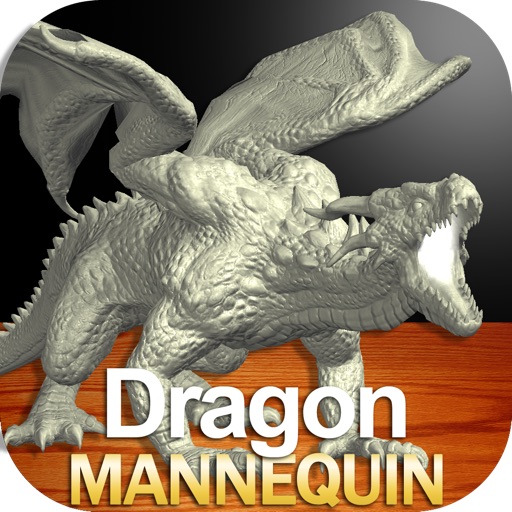
Draw a -Rex by adjusting poseable limbs and joints. Use reference tools and skins for detail. Change camera angles and backgrounds. Animate natural movements for realistic poses. Select from various platforms and styles.
Shenzhen Qianhai Happy Tour Network Technology Co., Ltd.
Create posts from photos
Create and share photos in a unique format. Select from 50+ layouts. Automatically suggest image order for posting. Crop photos directly within the . Add videos to posts. Display full banner images on social media profiles.
Turn real-world images into sketches using . Capture photos and apply freehand artwork with intuitive tools. Edit and refine sketches directly on the canvas. Share finished drawings via social media or email.
Draw a with poseable limbs and adjustable joints for custom poses. Use reference tools and skins to enhance detail and realism. Adjust camera angles and select backgrounds and platforms for accurate drawing.
Create 3D pixel art and voxel art using a full-featured voxel editor and pixel art editor. Use dozens of tools and brushes for block building, including pencil, bucket fill, and magic. Share creations via photos and videos.
Create gallery-style portraits from images using automatic painting tools. Add color, light, and texture for realistic effects. Choose between classic-style brushes or modern-colored options. Save and share finished artworks.
Edit photos by adding custom logos. Choose from Square, Landscape, or Portrait formats. Import images from the photo library. Add custom text to create a . Adjust font, size, rotation, and color. Position the anywhere on the canvas.
Draw on whiteboard, blank canvas, or images using pen, line, arrow, and shape tools. Edit photos with filters, adjustments, effects, and crop options. Customize tool size and transparency. Add text, stickers, and emotions.
Add and time stamps to photos automatically or manually. Include captions and watermarks with customizable text. Apply signature stamps and logo overlays to protect photos with copyright marks.