The app provides drawing tutorials broken into 11 steps with additional tips for illustrating portraits. Users can learn techniques at their own pace, whether using physical tools or a drawing app.
Create avatars and wallpapers by painting or doodling. Access built-in resources for inspiration and guidance. Choose customizable painting lines to express creativity. Save and share finished artwork.
Create designs by typing messages or using built-in borders and clipart. Choose from 100+ thread colors and six types to customize drawings. Export designs for printing on mugs, shirts, and stamps. View renderings of finished projects.
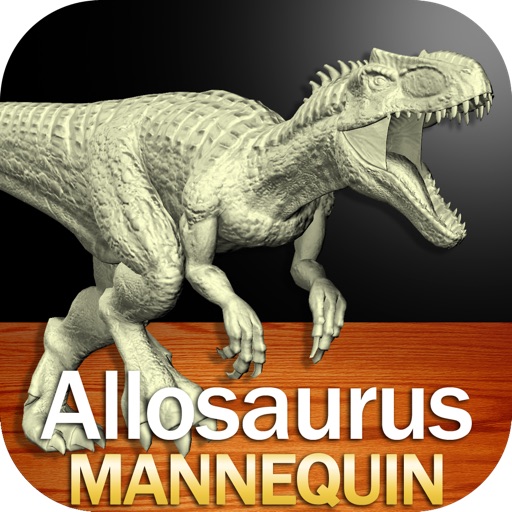
Create and customize drawings of an with poseable joints and adjustable limbs. Select from various skins and backgrounds. Adjust camera angles, zoom, and lighting. Use animations to guide realistic poses and movements.
Create characters by lines and choosing from various colors and brushes. Use specific tools like a purple glowing brush for wings or red dots for hair. Replay the creation process to relive the experience.