Use machine learning to enhance selfies with filters, effects, and pose adjustments. Edit photos by adjusting brightness, contrast, and skin tone. Share edited images via social media using the #shakyapp hashtag.
by Denis Karpenko★ 5.02 ratingsEntertainmentFreeData updated 2026-09-10
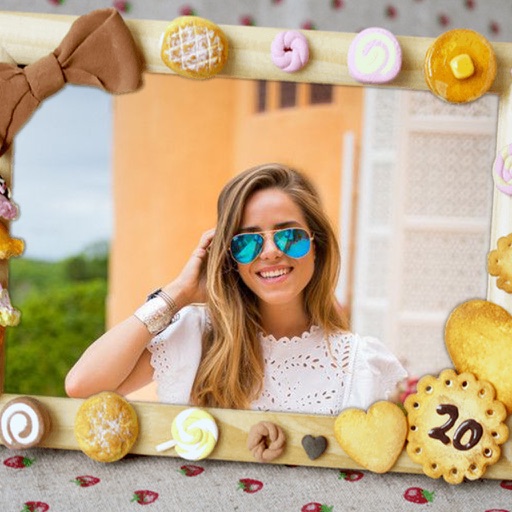
Add cartoon to photos to create keepsakes for . Select from over 40 for different occasions. Share edited photos family or save as souvenirs. Edit images by choosing and adjusting layouts.
Convert photos to black and white, sepia, or mono formats. Apply splashes to specific areas using touch. Adjust effects like hue, saturation, and contrast. Add photo filters for enhanced visuals. Export edited images in various formats.
Edit photos with one-tap filters and AI enhancements. Apply Light Leak Overlays and director-style effects. Create collages using drag-and-drop editing. Export and share directly to social media platforms.
Create funny photos from saved images or using front/back cameras. Create funny videos from saved clips or using front/back cameras. Save content locally and share via other apps.
Edit photos with effects to highlight subjects. Adjust intensity and choose from multiple styles. Save edited images in high quality and share directly.
The app offers photo editing tools including effects, frames, and stickers. Users can adjust brightness, contrast, saturation, and warmth, and also sharpen or blur images.
Apply funny filters and effects to photos and videos. Swap faces with others using the -changing feature. Add silly hats, glasses, and makeup to images. Share edited content directly to social media.
Edit photos with , light leaks, and frames. Add text and stickers. Share edited images on social media. Access monthly updated . Apply templates and adjust lighting. Export in multiple formats.
Convert static selfies into dynamic videos with animation. Apply beauty filters automatically. Create short videos with music, dance, and trending effects. Share generated videos directly to social media.
Apply AI to transform selfies into traditional Islamic attire. Choose from various styles and colors. Adjust fit and positioning. Export edited images and share directly.
Transform photos into , comic, or cartoon styles using AI-powered filters. Apply cartoon effects with a single tap. Choose from vibrant comic book filters to enhance images. Export edited photos directly.
Edit photos with vintage, film, winter, and travel . Crop, adjust brightness and contrast. Add text, stickers, and borders. Export in JPEG, PNG, and HEIC formats. Share directly to social media or messaging apps.
Predict faces using AI technology. Input parents' photos to generate realistic face images. Customize features like hair, eyes, and skin tone. Share generated images via social media or email.
Edit photos with temperature, tint, exposure, contrast, brightness, and saturation adjustments. Apply color presets like Ver, Aestas, Autumnus, and Hiems. Use Terminus and Mensis presets for nostalgic and duotone styles.
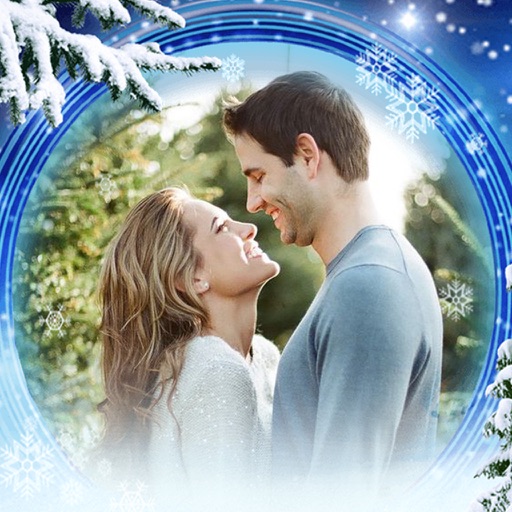
Edit photos by selecting from the gallery or capturing new ones. Apply various and effects. Adjust position, size, and angle. Save edited images and share via social media, email, or messaging apps.
Edit photos by selecting from the gallery or capturing new ones. Apply various and effects. Adjust position, size, and angle. Save edited images and share via social media, email, or messaging apps.
Capture Photos by recording 1.5 seconds before and after a shot. Edit Photos with filters, cropping, and animation adjustments. Set static cover images and reveal hidden video by holding. Save and share edited Photos as wallpapers or videos.
Try on designs free of charge and see which ones suit body. Take selfies with overlays. Choose from henna, tribal, and sleeve styles for men and women. Share edited photos directly.
Create AI avatars from selfies using advanced AI technology. Select from cartoon, anime, or 3D styles. Apply artistic filters and portrait effects. Export and share generated avatars.
Edit photos by selecting from the gallery or using the camera. Apply multiple frames and effects. Adjust position, size, and angle. Save edited images and share via social media or email.