Use machine learning to enhance selfies with filters, effects, and pose adjustments. Edit photos by adjusting brightness, contrast, and skin tone. Share edited images via social media using the #shakyapp hashtag.
by Denis Karpenko★ 5.02 ratingsEntertainmentFreeData updated 2026-09-10
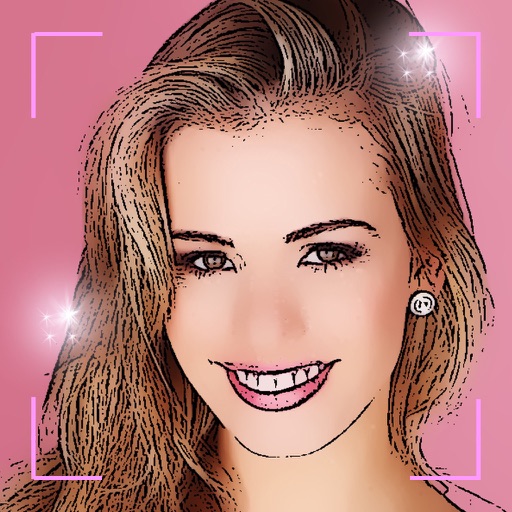
Turn selfies into cartoons with instant morphing and emotion imitation. Apply , pencil sketch, and bug eyes effects. Create old man, moon, or beard styles. Share edited portraits directly.
Apply age-changing filters to photos to visualize future or past appearances. Adjust aging levels manually. Upload images to test age regression or forward aging. Save and share edited results.
Apply filters to photos to create captivating effects. Adjust filter sensitivity for customization. Save edited images to device and share directly with friends or on social media.
Create photorealistic top celebrities. Place yourself in concerts, cafés, beaches, and iconic locations. Adjust lighting and background for realistic results. Share generated images directly to social media.
Apply filters and effects to photos and videos for a retro film look. Adjust color, contrast, and grain. Access premium filters with a subscription. Share edited content directly.
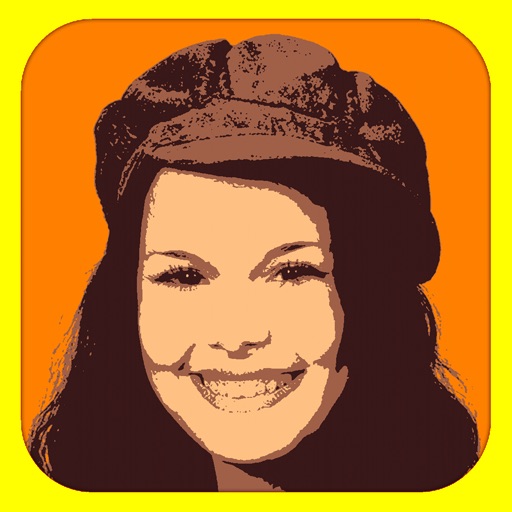
Convert photos into limited-color posters with a effect. Apply filters to adjust colors and brightness. Share images on social media platforms like Facebook and Twitter. Save or email the edited photos directly.
Edit photos with age adjustment tools to generate younger or older versions. Apply cartoon-style effects to portraits. Switch hairstyles and adjust facial features. Export edited images in multiple formats.
Add custom watermarks with text, logos, or graphics. Apply filters to enhance photo tone and texture. Capture photos and videos with adjustable modes for different use cases. Share edited content directly to social media or cloud storage.
APPAS SOLUTIONS, SOCIETATEA CU RASPUNDERE LIMITATA
Check appearance with -like clarity
View your face in a -like interface with adjustable zoom. Apply face filters and edit photos without saving. Save edited images to the iPhone gallery. Use enhanced filters to improve photo quality.
Take selfies without pressing any button. Use an for continuous shooting. Automatically organize photos into folders. Mount your iPhone and pose freely. Capture multiple self-portraits with one setup. Sync photos to social media accounts.
Capture photos in and with real-time contrast and exposure adjustments. Preview high-key or low-key effects in the viewfinder. Use Zen mode to focus on composition without technical distractions.
Edit photos using like Linear, Vignette, and Sepia. Adjust brightness, contrast, and color with tone curve tools. Apply blur, focus, and rotation. Add stickers, text, and emoticons. Crop and resize images.
Edit photos using 100+ filters and textures. Capture photos with one tap for authentic film-like results. Apply instant effects and choose from 60+ textures. Export edited photos in various formats and share directly.
Create AI-powered swap and dance videos using uploaded selfies. Generate trending dance clips with AI animation. Edit and customize videos with filters and effects. Share directly to social media platforms.
Edit photos with filters, overlays, and effects. Create collages and visual stories. Track pregnancy milestones and growth. Add text and stickers to photos. Share edited images directly.
Enhance quality using AI to sharpen details and improve clarity. Colorize and unblur old or damaged images. Convert low-resolution photos to high-definition. Edit colors, adjust brightness, and remove noise. Save and share enhanced photos directly.
Adjust camera settings including exposure, focus, and white balance. Control shutter speed and ISO manually. Preview raw images and apply custom filters. Save and share edited photos directly.
Create photos using AI-powered smart filters. Adjust exposure, contrast, and saturation. Apply style presets or customize filters. Save and share edited images directly.