Use machine learning to enhance selfies with filters, effects, and pose adjustments. Edit photos by adjusting brightness, contrast, and skin tone. Share edited images via social media using the #shakyapp hashtag.
by Denis Karpenko★ 5.02 ratingsEntertainmentFreeData updated 2026-09-10
Apply AI-powered filters to photos and videos. Transform images into anime, Pixar-style, or claymation art. Access 50+ creative filters for different art styles. Add animated effects to photos. Share edited content directly.
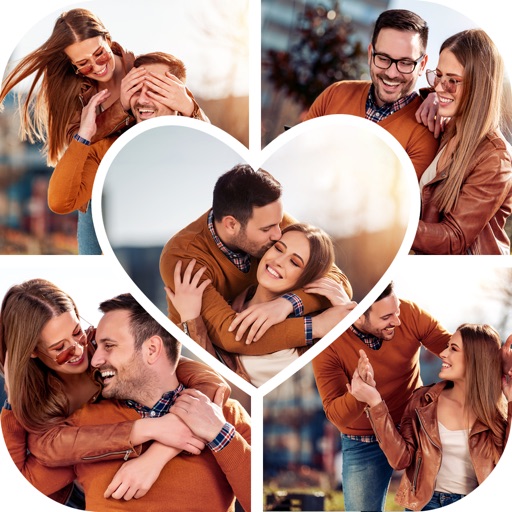
Create collages by combining multiple photos from the gallery. Choose from various frames and themes. Apply filters to enhance images. Share collages directly to social media platforms. Edit individual photos with cropping and adjustment tools.
The app allows users to reshape their body and add muscles or reduce their belly in photos. Users can also adjust height, nose shape, and skin tone for a desired look.
Edit photos using Powerful Fill, which generates realistic content based on text prompts in 419 languages. Add hidden messages to images. Export edited photos in various formats. Share directly from the .
Edit photos with effects, jewelry, and studio lighting. Add stickers and text. Try different designs on various parts. Export and share edited images directly.
Edit photos with AI enhancements, face beautification, and face swapping. Generate AI headshots and images from text. Create videos from images with AI effects. Add AI stickers and enhance backgrounds. Share edited photos and videos directly.
Edit photos with custom filters, line drawing tools, and mosaic effects. Add text and image stickers with adjustable colors and fonts. Crop images using custom ratios. Share edited photos directly.
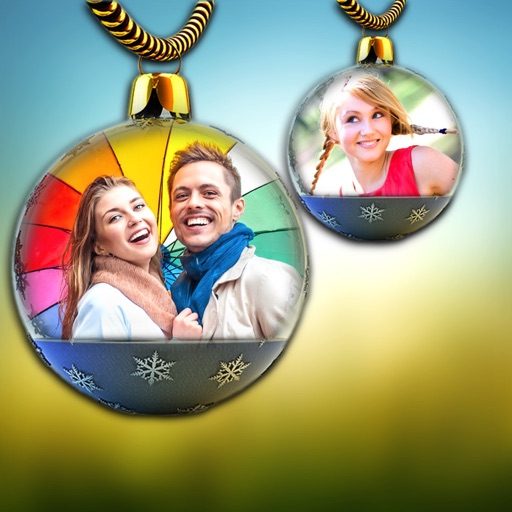
Create and share instant photos with customizable filters and frames. Add text, stickers, and emojis. Save or share directly to social media or email. Adjust brightness, contrast, and saturation. Apply vintage or retro effects.
Create AI-generated photos that look realistic and tailored to your features. Edit images by adjusting facial details, hairstyles, and expressions. Share edited photos directly from the .
Upload a selfie and select a style to generate a . Edit lighting, background, and pose adjustments. Export in high resolution and share directly to LinkedIn, resumes, or websites.
Edit photos using AI-powered enhancements for improved details and style. Apply up to 15 unique filters with one tap. Adjust colors, brightness, and contrast. Add text and stickers. Export and share edited images directly.
By removing fading, scratches, and yellowing. Enhance color and clarity using AI. Convert black-and-white images to color. Adjust brightness, contrast, and sharpness. Export restored in high-quality formats.
Arthur Eduardo Skaetta Alvarez Desenvolvimento de Software LTDA.
Edit photos and unwanted content
Unwanted content from photos by selecting and painting over areas to . Use zoom and move tools to visualize the subject. Edit photos offline without internet connection. Save and share edited images directly.
Edit photos to fit as with adjustable sizing and parallax effects. Share photos with friends and family or upload pet photos. Apply filters and save edited images directly.
Edit photos with over 20 available effects. Apply filters, adjust brightness and contrast. Crop and rotate images. Save and share edited photos directly.
Turn photos into sketches, oil paintings, and watercolor with style transfer. Apply filters to enhance visuals. Export edited images in various formats and share directly.
Edit photos with filters, cropping, and adjustments. Create stop-motion and time-lapse videos. Add special effects to individual images. Export edited photos and videos. Share directly from the .
Create artistic images with single-tap camera effects and professionally designed filters. Adjust brightness, contrast, and tone curve. Blur and focus images. Rotate, crop, and resize photos. Add text and fun stickers.
Create collages by combining multiple photos using drag-and-drop layout tools. Edit individual images with cropping, filters, and brightness adjustments. Add text, stickers, and frames to enhance visuals.