Use machine learning to enhance selfies with filters, effects, and pose adjustments. Edit photos by adjusting brightness, contrast, and skin tone. Share edited images via social media using the #shakyapp hashtag.
by Denis Karpenko★ 5.02 ratingsEntertainmentFreeData updated 2026-09-10
Create custom designs with photos using templates, fonts, filters, frames, and hand-crafted stickers. Organize and save moments. Share edited photos directly.
Create twin-style photos by applying mirrored filters and effects to selfies. Swap faces in images and videos. Share edited photos directly to social media platforms. Add captions and stickers for humor.
Edit photos with skin smoothing, blemish removal, and tone adjustment. Resize body parts, whiten teeth, and change hair or eye color. Apply makeup, add filters, and adjust lighting. Save and share edited images directly.
Edit photos with AI-powered style transformations, including anime, action figures, and sketches. Generate videos from images using pre-designed templates. Share edited content directly or export in various formats.
Edit photos with motion , bokeh lens, and mosaic effects. Adjust brightness, contrast, and color. Crop images to various sizes. Share edited photos directly. Apply to the entire image, background, or specific faces.
Edit photos with face-lifting, slimming, and skin retouching tools. Apply effects to preview future appearances. Enhance complexion and adjust facial features using AI technology. Add special effects for creative editing.
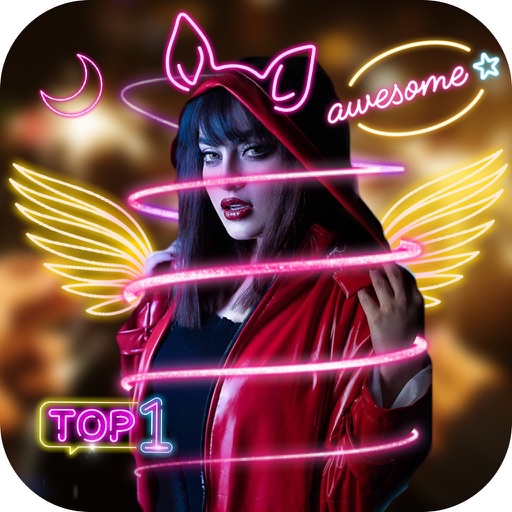
Edit photos with glowing effects and stickers. Add geometric shapes, spiral designs, and lightening effects. Adjust brightness and contrast. Share edited photos directly from the .
Take photos with a variety of film-style filters applied randomly. Adjust brightness, contrast, and saturation. Share edited photos directly to social media or messaging apps.
Create photos without cropping. Edit images with filters, backgrounds, and layout adjustments. Make photo collages using hundreds of layouts. Share high-quality photos to social media platforms. Adjust ratios and add text for customization.
Save from the web to the camera roll. Edit by adjusting speed, background, and filters. Crop, scale, and convert to video. Share to or save to the camera roll. Open edited in video editing apps.
Create original images using light effects. Apply light leak filters to add unique textures. Adjust brightness and contrast for enhanced visuals. Share edited photos directly to social media.
Edit photos with filters, cropping, and brightness adjustments. Add text, stickers, and borders. Export in various formats and share directly. Adjust colors and apply effects for enhanced visuals. Simplify editing with an intuitive interface.
Edit photos with filters, contrast, brightness, and color adjustments. Add text, stickers, and drawing tools. Customize images and landscapes. Export in high quality. Access a free image library. Apply advanced editing features.
Edit photos with Polaroid borders, effects, and film grain. Adjust brightness, contrast, and saturation. Add retro text and share directly to social media.
Capture photos with adjustable brightness and blur effects in live camera. Apply filters to live camera or photos. Add stickers to selfies. Share photos with friends and families.
Edit photos with filters, cropping, and brightness adjustments. Add text, stickers, and drawings. Remove blemishes and whiten smiles. Create collages with multiple layout options. Export in various formats and share directly.
Edit photos with body transformation tools, one-touch filters, and cropping. Apply mosaic and blur effects to background. Add vignette. Adjust and share edited images directly.
Create AI-powered videos with one tap. Capture 4-cut photos with pose guidance and unlimited retakes. Turn selfies into cartoon characters with customizable styles. Add dynamic music and effects to photos and videos. Share edited content directly.