Create and edit images with basic drawing tools. Draw freehand or use shapes and lines. Add text and colors. Save and share drawings directly. Import and modify existing images.
by P98 LLC★ 3.9385 ratingsPhoto & VideoFreeData updated 2026-09-10
Pollux Bilisim Teknolojileri Sanayi ve Ticaret Limited Sirketi
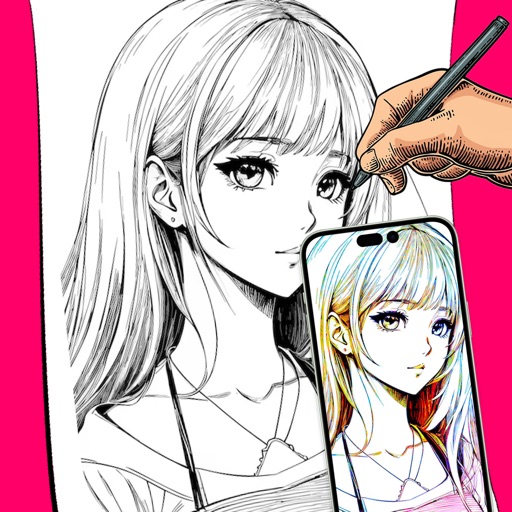
Sketch on photos with AR
Use AR to sketch and draw on photos with realistic ink effects. outlines or create pencil sketches from images. Convert photos into artistic drawings with AI-powered tools. Save and share finished artwork directly.
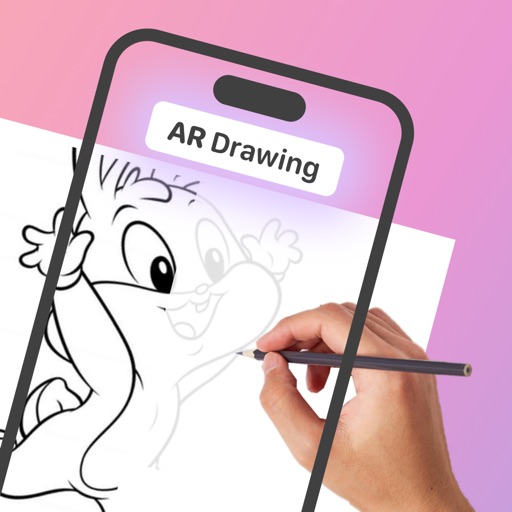
With AR to images or text on real surfaces. Use guided frames for beginners. Create sketches and color them. Export artwork in various formats. Sync projects across devices.
Edit photos with filters, light leaks, and templates. Add frames and text. Share directly to social media. Access monthly updated filters. Adjust brightness and contrast. Crop and rotate images. Export in various formats.
ARC MOBILE BILISIM TEKNOLOJILERI REKLAMCILIK LIMITED SIRKETI
Generate images and videos from text prompts
Generate AI images from text prompts. Edit generated images with basic tools. Create AI videos by inputting text descriptions. Export images and videos in common formats. Share creations directly from the .
Create photo using 200+ built-in templates. Add watermarks and text to photos. Resize images for Instagram. Customize with 100+ stickers. Save in high resolution. Apply custom frames. Adjust photo textures.
Edit images with shape drawing, text box insertion, and editable bounding boxes. Import images via drag-and-drop. Use pen tool, leaf brush, and brush tool for detailed edits. Adjust distortion and apply transformations.
Edit images with layers, masks, and advanced tools. Adjust colors, apply filters, and use smart objects. Crop, rotate, and resize images. Export in various formats and share directly.
Edit photos by removing objects, erasing backgrounds, enhancing quality, expanding canvas, or replacing elements. Generate new images with AI filters. Perform basic edits and apply creative AI effects. Save and share edited photos directly.
Edit photos with filters, cropping, and adjustment tools. Create collages, photo posters, and text art. Add stickers and text. Repair old photos. Make -in- effects and GIFs. Share edited content to TikTok, iMessage, and Instagram.
Edit photos by tapping to add ink or decorations. Use face recognition or touch to place elements precisely. Resize, rotate, and adjust photos with two fingers. Save and share edited photos on social platforms.
Use AR to objects in real-time and create sketches. over traced images with customizable brushes. Save and share artwork. Adjust colors and line thickness. Export drawings in various formats.
Edit and enhance videos with trimming, splitting, and effects. Add music, text, and transitions. Export in various formats and share directly. Access advanced features with VIP subscription for more editing tools and options.
Edit photos with advanced filters, color adjustments, and mathematical transforms. Apply custom brushes and import Photoshop brushes, curves, and fonts. Repaint images and export in various formats. Share edited work on Instagram.
Create pictures with customizable borders, colors, width, and opacity. Add text with font and color options. Change background color and combine multiple images for collages. Save final creations to the photo library.
Edit photos with cropping, rotating, and filter adjustments. Retouch selfies and enhance lighting. Share to Facebook, Instagram, and IG stories. Save custom filter recipes. Batch edit multiple photos. Use + to stack filters and adjust strength.