Create and edit images with basic drawing tools. Draw freehand or use shapes and lines. Add text and colors. Save and share drawings directly. Import and modify existing images.
by P98 LLC★ 3.9385 ratingsPhoto & VideoFreeData updated 2026-09-10
Create personalized by adding custom text, selecting backgrounds, and editing designs. Include exclusive stickers and adjust colors and sizes. Download or share the finished card.
Edit photos by typing descriptions to change outfits, body features, or backgrounds. Adjust specific image parts with AI. Swap objects and modify appearances. Export edited images directly.
Draw dots by pressing one finger, adjusting size based on press duration. Create lines and shapes with multiple fingers. Manipulate polygons by moving vertices. Export drawings in various formats. Share creations directly.
Edit photos with smart foreground recognition to isolate subjects. Add customizable with options for font style, size, color, opacity, alignment, spacing, shadow effects, and background colors. Crop images using an easy-to-use tool.
Create art with activities and drawing lessons to improve fine motor skills. Explore themed pictures with interactive sounds and characters. Unlock pro features via optional subscriptions. View terms at http://techconsolidated.org/terms.html.
Animate static images by painting direction and using a stop brush. Combine and blend unlimited layers from photos or online sources. Add animated effects with built-in tools. Export and share finished animations.
Create custom by drawing or painting directly in the . Save and share in messaging apps. Edit sticker size and position before sending. Use personal artwork instead of pre-designed sticker packs.
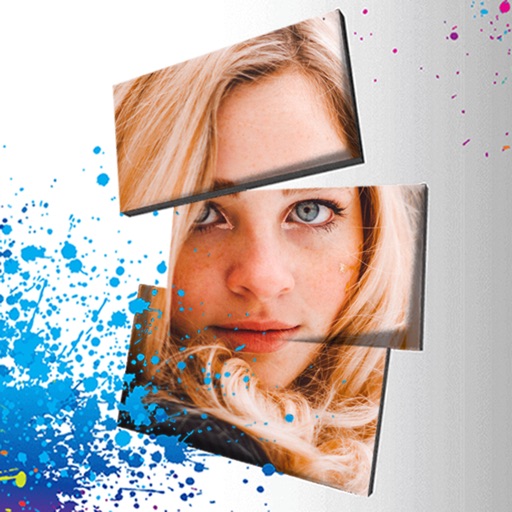
Edit photos with 3D and color effects to create立体 art. Apply special effects to enhance images. Save and share edited photos directly. Use fun and intuitive editing tools for creative customization.
Create and manage palettes with support for multiple formats including HEX, RGB, HSL, and CMYK. Export colors as PNG or SVG. Save history and access a library. Organize projects and select colors from images, camera, or web.
Reduce image file size for PNG, JPEG, and WEBP formats. Compress images without technical knowledge. Maintain high quality results. Share compressed files directly or download.
Create and edit drawings with a variety of colors and brushes. Sketch freely and refine details. Save, share, and publish artwork. Include step-by-step process for each drawing. Export in multiple formats and share directly.
Convert videos into high-quality images with frame extraction. Select specific moments to capture. Edit and enhance images with built-in tools. Save and share converted photos directly.
Apply colors to walls using real-time visualization. Select and adjust colors with one tap. Preview color changes in AR. Save and share color schemes. Sync with smart home devices for lighting integration.
Create 3D models from text, images, or sketches using AI. Edit and refine designs with intuitive tools. Export models in various formats and share them directly. Explore generated 3D assets for gaming, art, or product design.
Edit photos, remove backgrounds, generate new ones
Remove photo backgrounds using AI-powered tools. Edit or replace backgrounds with new ones. Export as high-quality PNG images. Share edited photos directly.
Crop photos using a cropping tool. backgrounds and unwanted objects with an eraser tool. Select areas to erase and create transparent backgrounds. Edit images for white or clean backgrounds. Export edited photos and create stickers.
Edit images with tools like Rect Select, Lasso, and Clone. Crop, adjust colors, add text, and apply effects. Use brushes, gradients, and erasers for detailed edits. Save and share edited files in various formats.
Edit photos with , , and collage tools. Create and custom layouts. Adjust brightness, contrast, and saturation. Add text and stickers. Export and share edited images.