Create and edit images with basic drawing tools. Draw freehand or use shapes and lines. Add text and colors. Save and share drawings directly. Import and modify existing images.
by P98 LLC★ 3.9385 ratingsPhoto & VideoFreeData updated 2026-09-10
Create collages by importing images from the camera roll. Combine photos using hundreds of . Adjust and rotate individual images. Add text and artwork with Pro. Share collages on Instagram.
Create art with interactive brushes like slime, tie-dye, and fire. Design with mini games such as Friendship Bracelet Creator. Use art history themed stickers and seasonal holiday packs. Choose from 150+ colors including pastels and neons.
Edit photos with seasonal and holiday themes. Apply nature-inspired filters and effects. Add text and stickers to images. Save and share edited photos directly.
Turn photos into sketches, oil paintings, and watercolor with style transfer. Apply filters to enhance visuals. Export edited images in various formats and share directly.
Access and edit royalty-free images and vectors. Add text, stickers, and effects to images. Share edited content on social platforms. Edit for personal or commercial use without copyright restrictions.
.media allows users to and enhance images using AI. Users can adjust image resolution up to 4x. The automatically enhances images and provides options for manual adjustments. Results are exported directly within the .
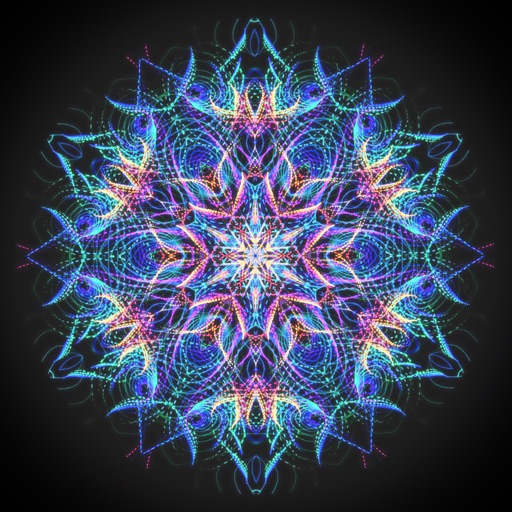
Create animated swirling patterns and kaleidoscope artworks. Select from various brush styles and color palettes. Adjust speed and symmetry settings. Save and share generated artwork. Relax through interactive, meditative visuals.
Edit screenshots with customizable backgrounds and size adjustments. Apply preset ratios for optimal display. Share enhanced images directly from the .
Take photos with customizable stickers. Add team or country colors to your . Share images on Facebook, Instagram, and Twitter. Edit photos with painting effects and stickers. Export and share directly.
Create original artworks using particle brushes for light effects and designs. Adjust brush settings for texture and flow. Save and share creations directly. Explore artistic inspiration through interactive tools.
Images between and PNG formats. Select files to from GIF, PNG, or BMP. Transparent areas in GIF or PNG are converted to white. Share converted files via the share button. Save converted or PNG files to your device.