Create and edit images with basic drawing tools. Draw freehand or use shapes and lines. Add text and colors. Save and share drawings directly. Import and modify existing images.
by P98 LLC★ 3.9385 ratingsPhoto & VideoFreeData updated 2026-09-10
Remove unwanted parts of photos using AI-powered erasing. Add colors or images to create new backgrounds. Crop, draw over, and undo edits. Zoom for precision and blur edges. Save and share edited photos.
Create art with 10 brushes. Adjust brush size and color randomly. Import photos to doodle on. Add drawings to family images for customization. Save and share completed artwork.
Edit photos by adding customizable from a large selection. Adjust brightness, contrast, and saturation. Crop images and apply filters. Share edited photos directly to social media or messaging apps.
Add bubbles to photos to create comic-style . Place text on images of friends. Adjust bubble styles, fonts, and colors. Add multiple bubbles to group photos. Share creations with others.
Edit photos with cartoon effects, AI-generated images, and retro styles. Add filters, adjust colors, and apply comic-themed designs. Save and share edited photos directly.
Create images by arranging words into predefined shapes. Customize with color themes, fonts, and layout options. Adjust text processing to highlight frequently used words. Export and share the final design.
Edit photos with HDR effects, filters, and detailed adjustments. Enhance images with powerful lighting and contrast tools. Save and share edited photos in various formats.
Create 3D models by drawing, sculpting, and shaping in immersive space. Use brushes, erasers, and shapes for detailed design. Apply materials with customizable textures and colors. Transform objects by rotating, scaling, and moving.
Detects colors from live scenes or images using the camera. It provides HEX, RGB, HSL, and HSB values along with names. Identify paint colors for projects. Save and share details.
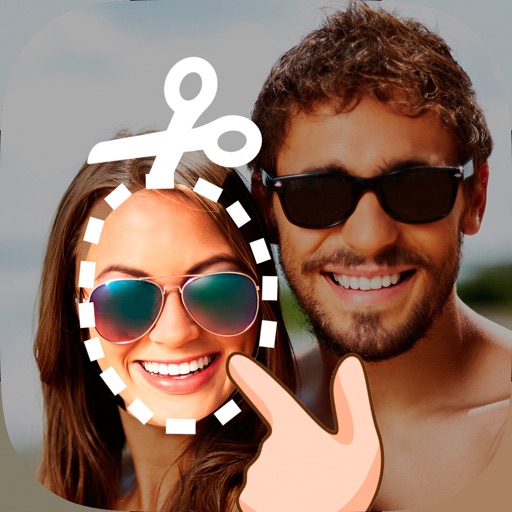
Edit photos by cutting and pasting faces, removing backgrounds, and deleting unwanted people. Add missing faces to photos. Use the silhouette head tool to select and edit elements. Export edited images directly.
Create 3D room visualizations by snapping photos and selecting design styles. Explore custom prompts to modify spaces with specific decor elements. Shop recommended furniture and design items based on the generated designs.
Edit photos with vintage effects, artistic filters, and professional adjustment tools. Crop, resize, and enhance images. Add text and stickers. Export in multiple formats and share directly. No registration, ads, or watermarks.
Edit photos by automatically detecting lips and . Adjust whiteness and modify lip color. Change facial feature shapes and remove blemishes. Alter hair and eye color for a customized smile appearance.
Create art with . Choose from nature scenes, portraits, animals, and mandalas. Customize colors, add textures, and save or share drawings. Import images for custom pages. Use layers and brushes for detailed illustrations.
Edit photos with AI-powered tools for object removal, people elimination, blemish correction, and background editing. Adjust colors, brightness, and contrast. Add text and filters. Export and share edited images directly.
The app allows users to watermark and annotate images in batch mode. Users can customize text and logo marks, add multiple layers, and save settings as profiles for easy retrieval.
Create posters, flyers, banners, and invitations using customizable templates. Edit images with tools for cropping, resizing, and adding text. Design logos, greeting cards, and business cards. Export and share finished designs directly.
And compress multiple photos at once to free up storage. Print photos at actual size with inch, cm, or mm measurements. Rotate, flip, and crop multiple photos simultaneously. Convert photos to JPEG, PNG, or HEIC formats and share them directly.
Edit images with blending effects and premade templates. Crop, rotate, and adjust . Access advanced controls for detailed editing. Save and share edited images directly.