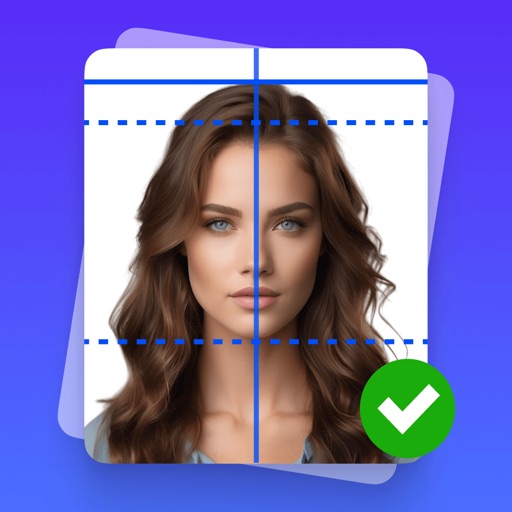
Create and format official ID photos, photos, and visa application photos for 100+ countries. Adjust size, save, print, or share formatted images. Select from standard or custom dimensions.
Create ID data from smartphone photos. Retake photos as needed. Save individual data. Export in print-ready format matching 4x6 size. Print at home using compatible printers.
Edit photos by blurring backgrounds, faces, or specific subjects. Apply various effects and filters. Save edited images to the camera roll or share them directly.
Create professional-quality ID photos for passports, visas, and other official documents. Select from various templates and guidelines. Adjust background, crop, and resize images. Save and share photos in multiple formats.
Remove duplicate photos and videos instantly. Group similar shots to keep only the . Filter screenshots to delete unnecessary files. Free up storage space and organize the camera roll efficiently.
Edit photos with stretching, squeezing, pinching, and prodding tools to create surreal effects. Apply advanced image manipulation techniques similar to professional software. Export edited images in various formats and share directly.
Create , ID, or CV photos directly from your device. Guide the camera for proper lighting and positioning. Automatically adjust size, background, and alignment. Export in standard formats and share via email or social media.
Add vibrant color to specific image areas using the Color Splash Effect. Adjust intensity and placement. Export edited in various formats. Share directly from the .
The app allows users to create document photos for IDs and passports. It offers image editing tools for quality improvement, background removal, and custom sizing with DPI settings.
Edit photos and videos with advanced filters, color correction, and layer blending. Add text, stickers, and effects. Export in various formats and share directly. Sync with cloud storage and access templates for editing.