The app provides graphic design and drawing tools for creating sophisticated projects. Users can design and collaborate anywhere, using photos, fonts, and shapes to create various graphics and art.
Stylize photos using over 500 AI art styles from various movements. Edit and retouch images with professional tools. Work offline with on-device AI models. Keep data private with no cloud storage. Export edited images in multiple formats.
Take notes with customizable brushes including pencil, pen, brush, and marker options. Annotate PDFs and sketch lightly. Organize notes with a clean, distraction-free interface. Export notes in multiple formats and sync across devices.
Edit photos and images with advanced tools for retouching, layering, and painting. Create multi-layered art and designs. Adjust colors, contrast, and lighting. Export in various formats and share directly.
Download and apply high-quality , Club, and anime-style wallpapers to home or lock screen. Filter by aesthetic, pastel, dark mode, or chibi characters. Edit wallpapers with built-in tools. Receive daily new additions.
Allows users to draw grids over images for precise copying, scaling, and tracing. Features include adjustable sizes, reference image overlay, and zoom capabilities. Users can export drawings and share files directly.
Create and edit digital artwork with wireless capabilities. Connect via Wi-Fi or USB. Use as a secondary display. Access gesture shortcuts for quick actions. Customize workspace layout and settings.
Create and share digital art customizable brushes, unlimited colors, and layer support. Zoom, pan, and adjust brush parameters. Rotate, mirror, and undo steps. Participate in challenges like tracing or completing others' drawings.
Plan daily, weekly, monthly, and yearly tasks with customizable templates. Write notes, set goals, and organize schedules. Sync across devices and export events. Track progress with handwritten journal pages.
Create and edit sketches with intuitive tools and customizable color palettes. Export sketches for use in other graphics software. Support multiple windows and dark mode for enhanced workflow.
Arthur Eduardo Skaetta Alvarez Desenvolvimento de Software LTDA.
Convert photos to sketches
Convert photos into various styles like , colored, painting, and comic. Adjust brush thickness for customization. Save high-resolution sketches for sharing or printing.
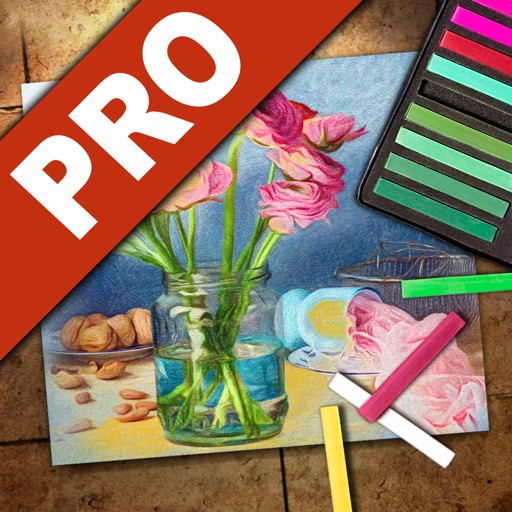
The app allows users to paint like a master using photos from their iOS library. It offers realistic media and paper textures for creating artistic effects.
Take photos or select from gallery. Apply beauty filters and edit selfies. Use over 240 filters and 800+ stickers. Crop photos and adjust sizes. Edit photos with built-in effects and blending tools.
Edit photos with crop, rotate, exposure, color, sharpness, and resize tools. Create grid collages and edit individual images. Access presets, clone tool, and fine curve adjustments for detailed edits. Export and share edited photos directly.
Learn to sketch figures and garments with step-by-step guidance. Create and manage layers for detailed illustrations. Use AI tools to generate clothing and accessories in specific styles. Add body types including models, women, men, and plus size.