View event schedules, presentations, posters, and exhibitor details. Take notes on slides, posters, and exhibitor content. Draw directly on slides. Share notes via in- messaging, email, and social media.
And write to help characters express happiness. Create drawings and text to resolve their issues. Receive hints to guide solutions. Track progress through levels and interactions.
Create art with layer editing tools including adding, deleting, duplicating, hiding, sorting, and grouping layers. Use blend modes and transparency settings. Access various tools like pen, eyedropper, eraser, and selection.
Create digital notes and sketches on a blank canvas. Draw freehand or use preloaded templates. Erase or clear sections. Save and share drawings. Collaborate in real time with others. Import images and text. Adjust colors and brush sizes.
Create infinite repeating designs by mirroring brushstrokes across 17 symmetry patterns. Edit vector graphics with curve smoothing and area fill. Reshape and recolor elements in Edit Mode. Export paintings and tileable rectangles.
Create with an infinite canvas for spatial thinking. Draw connections between ideas. Organize content through hand-drawn sketches and text. Export in multiple formats and share directly.
The app allows users to create spiral drawings with colorful gears and rings. Users can import photos, use Apple Pencil, and draw hypotrochoids and epitrochoids.
View conference schedules, presentations, exhibitor details, and speaker information. Take notes on slides, posters, and exhibitor content. Draw directly on slides. Share notes via in- messaging, email, and social media.
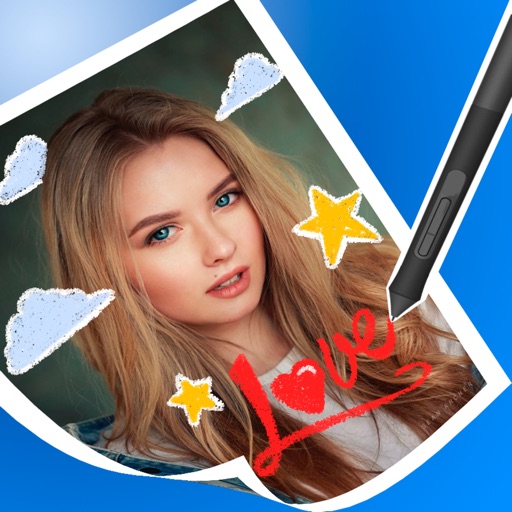
Create digital cards with customizable backgrounds, stickers, and text. Add personal photos, choose from 75 stickers and 30 backgrounds. Email cards or share on Facebook and Twitter. Save creations to the gallery.
Create and edit drawings with a variety of colors and brushes. Sketch freely and refine details. Save, share, and publish artwork. Include step-by-step process for each drawing. Export in multiple formats and share directly.
Create and color images of characters, animals, and vehicles. Choose from 9 unique brushes for different effects. Record drawings as animated clips. Edit and share artwork. Switch between and free drawing modes.
The app allows users to capture thoughts, sketch, doodle, and write notes. Users can personalize notes with colors, fonts, and brush styles, and choose from various backgrounds.