Batch resize multiple photos with one action. Remove bulk original photos simultaneously. Search for photos by date or category. Preview resized photos in the list. Integrate with favorite camera apps for seamless photo management.
by Yoshinobu Sonoda★ 4.289 ratingsPhoto & VideoFreeData updated 2026-09-10
Organize photos using swipe gestures to keep or delete images. Navigate through timelines to browse by time periods or specific years. Filter photos by date ranges and view detailed metadata. Share selected photos directly from the .
Convert images to various formats including PDF, PNG, , and HEIC. Support batch conversion of multiple files. View and share converted images directly from the .
The app allows users to instantly share photos and videos wirelessly from a Wi-Fi SD card to iOS devices. It supports viewing JPG, BMP, and PNG files, with up to three devices accessing content simultaneously.
The app allows users to add speech balloons to photos. It offers a simple interface with various balloon options, voice input, and image editing tools like cropping and filters.
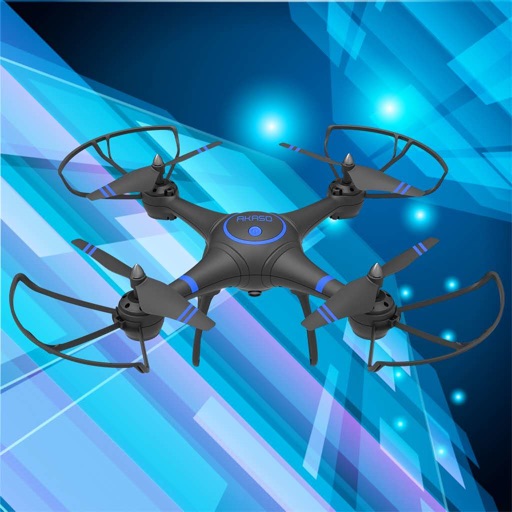
Control drones, view real-time video, record photos
Control a four-axis drone via WiFi. View real-time video feed from the drone's camera. Capture photos and videos using the device. Enable VR mode for immersive viewing. Use voice commands for flight control.
Compress photos by selecting multiple images and adjusting JPEG quality and resize scale. Preview compressed results side-by-side with size estimates. Save compressed copies to Photos or delete originals. All processing occurs on-device.
Organize photos by swiping to trash or compress. Clean camera roll and file folders from USB/SD cards. Sort by album, month, size, or duplicates. Process photos offline without cloud storage.
Merge photos vertically or horizontally by selecting up to 10 images. Arrange, reorder, and delete photos easily. Rotate to landscape for side-by-side merging. Preview merged results before saving. Edit individual photos by pressing and holding.
Images using adjustable strength and soft/hard brushes. Remove stains and defects from photos. Enhance images with high-resolution editing and zoom. Apply focus to hide unwanted details. Offset wrist to avoid finger obstruction during editing.
Edit and enhance grayscale photos with 20 predefined presets and custom adjustments. Apply vignette effects and modify color channels. Save personalized presets. View and share monochrome images directly.
Resize photos with pixel, mm, cm, or inch measurements. Compress images to reduce file size while maintaining quality. Convert between formats like JPG to PNG, PNG to PDF, HEIC to JPG. Batch process multiple images for efficient editing.