Edit photos with filters, cropping, and red-eye correction. Adjust brightness, contrast, and saturation. Add text, stickers, and borders. Export in various formats and share directly.
Edit photos with grid layouts, brightness, contrast, and saturation adjustments. Apply filters to enhance images. Create collages with multiple layout options. Export edited photos in various formats.
Edit photos with crop and rotate tools using templates. Apply LUT to change the mood. Adjust colors with color curves. Add blur in various styles. Use basic tools for contrast, brightness, and vignette.
Create photos with effects and light leaks. Apply 36 shapes and 33 light leak effects. Use 23 image filters. Adjust size, opacity, and color. Draw multiple shapes with touch. Apply multiple shapes to one photo.
Create collages with single or multiple photos, up to 14 images. Add , backgrounds, and drawings. Share collages on Facebook, Instagram, Twitter, WhatsApp, and other platforms. Edit photos with basic tools and apply templates.
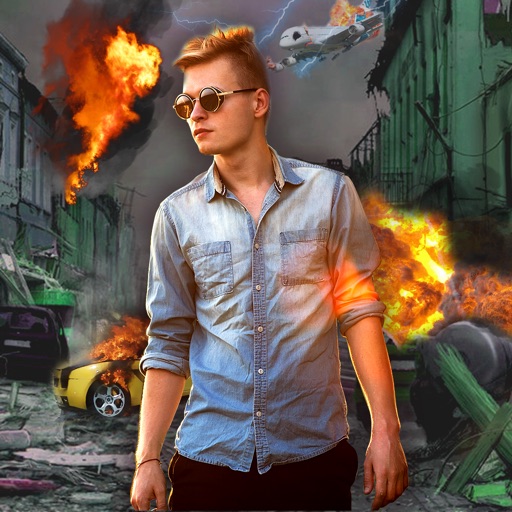
Edit photos with -themed effects like explosions, bomb blasts, and action stickers. Apply customizable FX frames and VFX filters. Decorate images to resemble posters. Share edited photos directly.
Combine multiple photos into customizable frames or collages with 55 adjustable templates. Add rounded corners, effects, shadows, and patterns. Choose colors using an easy color picker. Save projects and share via Facebook, Email, or Twitter.
Edit photos by selecting from gallery or camera. Cut out the main subject with tools. Replace the using gallery images or built-in options. Save and share the edited .
Edit photos with crop, rotate, and filter tools. Adjust brightness, contrast, and color. Add text, stickers, and draw on images. Apply blur, focus, and special effects like magic and splash. Export and share edited photos.