Control content on devices by uploading photos and videos from a phone. Delete content, manage playlists, loop videos, and adjust settings. Connect via Wi-Fi to access the device menu. Works with products like clocks, speakers, and display cases.
Analyzes the ticking sound of mechanical pendulum clocks to determine their running rate in Beats Per Hour. It compares this rate to a target and reports the error in Seconds Per Day. Users can adjust settings and view detailed timing data.
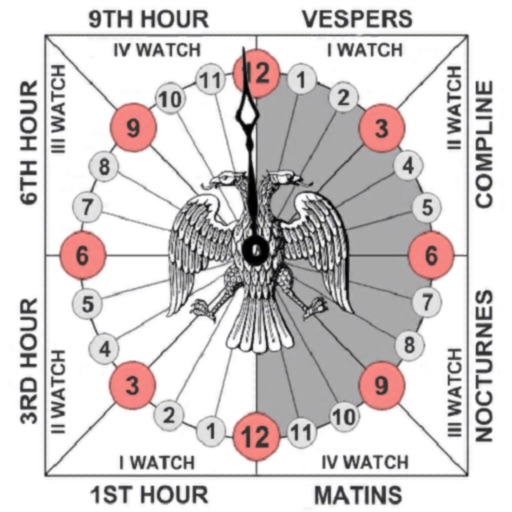
Track prayer times based on time calculations. Adjust for location using GPS or manual input of coordinates. Display times in 12-hour format starting at evening. Include historical context about ancient Judean timekeeping methods.
Display time with customizable and animated backgrounds. Choose from 10 clock styles and 20 backgrounds. Adjust font and color options. Set as screen saver with Pro Park download. No ads.
Create and organize boards for teamwork. Add sticky notes, drawings, and images. Collaborate in real time with team members. Drag and drop elements to rearrange. Comment on notes and track changes. Export boards as images or PDFs.
Converts zones with atomic accuracy for event scheduling. Adds events to calendars with a tap. Displays interactive widgets showing current local times. Tracks differences and alerts for upcoming meetings.
Edit PDFs by adding text, shapes, comments, and highlights. Merge, split, compress, convert, rotate, unlock, and watermark PDFs. Import files from cloud services like Drive, Box, and OneDrive. Annotate and read PDFs with customizable tools.
Send messages, sign documents, and automate alerts
Communicate with clients through instant messaging. Send and receive e-signatures for documents. Set up customized automated notifications based on industry-specific needs. Collaborate in real-time across desktop and mobile devices.