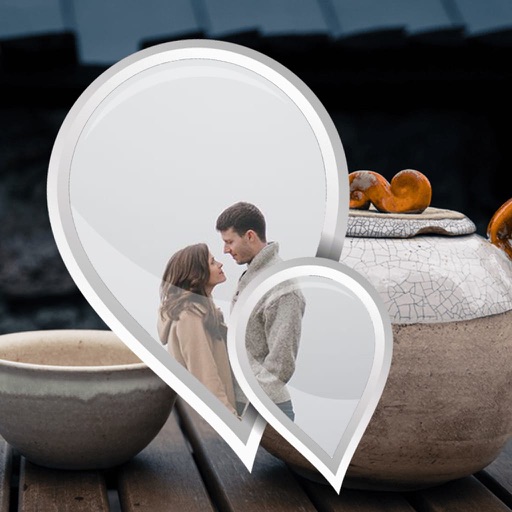
Select photos and adjust layout, size, and position. Apply filters, rotate, flip, and modify brightness, saturation, and contrast. Add borders with customizable size and color. Share edited photos directly to Instagram, LINE, Twitter, and Facebook.
by Ode Tomoyasu★ 4.536 ratingsPhoto & VideoFreeData updated 2026-09-10
Create images by drawing on photos or images from the device album. Choose pencil styles and adjust saturation. Control zoom, pencil size, and brush settings to customize sketches. Export and share finished drawings.
Select a from the gallery. Apply -themed including roses, daisies, sunflowers, and tulips. Add decorative elements to special photos of loved ones, children, or pets. Share edited images directly with family and friends.
Add padding, borders, and frames to photos for optimal platform fit. Adjust padding size and style. Export full-resolution images without quality loss. Process multiple photos in batches.
Edit photos with AI-powered cartoonization, face swap, and HD wallpaper generation. Apply filters and adjust colors. Save and share edited images directly.
PiXiL International Co. For Materials, Systems And Sets Of Communication LLC
Create custom phone cases from photos.
The app allows users to create custom mobile phone cases using photos from Instagram, Facebook, and personal albums. Users can add text in Arabic or English with various font and shadow options, apply filters, and insert backgrounds or frames.
Apply -themed to images. Add text and stickers for customization. Share edited photos directly to social media or messaging apps. Includes a variety of spooky and festive frame options.
Edit selfies with beauty that enhance skin tone and reduce imions. Adjust brightness, contrast, and saturation. Add text, stickers, and effects. Save and share edited photos directly.
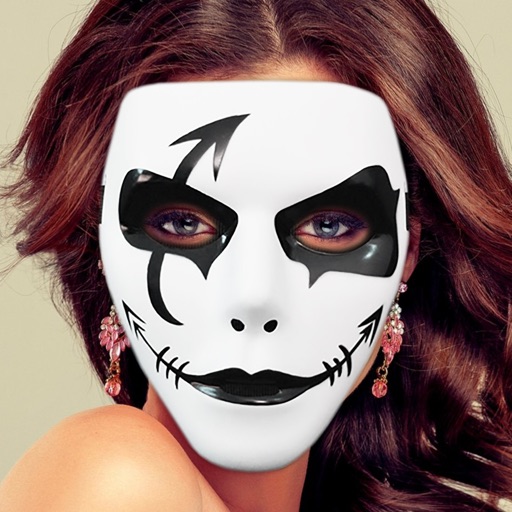
Edit photos with holiday hats, masks, and decorations. Add beards and festive elements. Save or share images via Facebook, Twitter, Instagram, and email. Adjust and export edited photos.
Edit photos with 50+ filters and flare effects. Adjust contrast, brightness, saturation, and exposure. Add text with custom fonts and colors. Apply splash effects with multiple shapes and background blur. Save and share edited photos.
Edit photos using AI to enhance contrast, color saturation, and image details. Adjust brightness and sharpness. Save and share improved images directly.
Create and edit 3D objects with customizable color, size, orientation, position, and shape. Use colors or photos for canvas background and object surfaces. Share and explore 3D creations directly.
Edit photos by applying multiple effects and choosing from various stylish frames. Adjust image position, size, and angle finger gestures. Save and share modified photos directly.
Edit photos by selecting from the gallery or capturing new ones. Apply multiple and effects. Adjust image position, size, and angle. Save, share, or upload to social media platforms like Facebook and Twitter.
Create art effects with one-click auto generation. Edit photos with filters, cutouts, background erasing, and changing. Blur images and adjust colors. Share edited photos directly to social media.