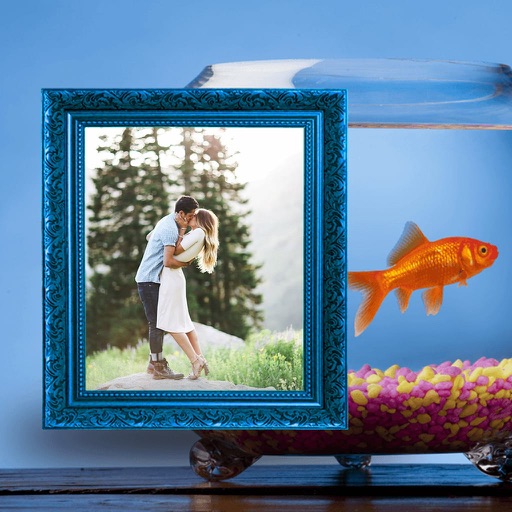
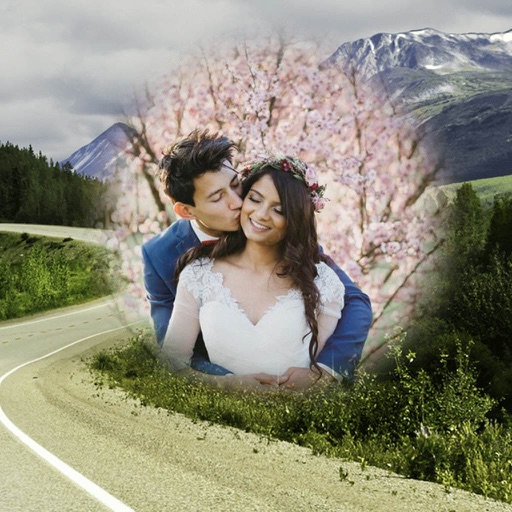
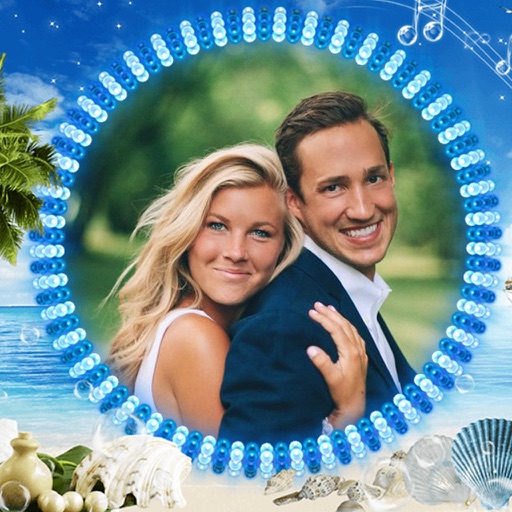
Select photos and adjust layout, size, and position. Apply filters, rotate, flip, and modify brightness, saturation, and contrast. Add borders with customizable size and color. Share edited photos directly to Instagram, LINE, Twitter, and Facebook.
by Ode Tomoyasu★ 4.536 ratingsPhoto & VideoFreeData updated 2026-09-10
Edit photos with crop, rotate, and filter tools. Adjust brightness, contrast, and color. Add text, stickers, and draw on images. Apply blur, focus, and special effects like magic and splash. Export and share edited photos.
Create collages with single or multiple photos, up to 14 images. Add , backgrounds, and drawings. Share collages on Facebook, Instagram, Twitter, WhatsApp, and other platforms. Edit photos with basic tools and apply templates.
Edit photos with , , and collage tools. Create montages and custom collages. Adjust brightness, contrast, and saturation. Add text and stickers. Share edited images directly.
Edit photos with customizable HDR settings including effects, brightness, contrast, temperature, and hue/saturation. Capture high-resolution HDR photos in one click. View and manage HDR images in a dedicated gallery.
Edit photos by selecting from the gallery or capturing with the camera. Apply multiple and effects. Adjust image position, size, and angle. Save, share, or upload photos to social networks like Facebook and Twitter.
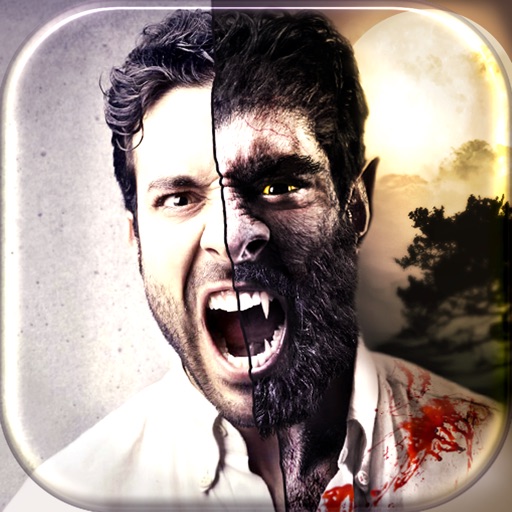
Apply a warrior hairstyle filter to photos instantly without an internet connection. Save modified photos to your device. Share results via email, Twitter, or Facebook.
The app offers 44 original film emulation effects and numerous natural light leaks and film textures. Users can adjust brightness, contrast, saturation, hue, temperature, mirror, rotate, and crop photos with three presets.
The app features a deep skill system with combinations and interrupts for strategic gameplay. It also includes a combination skill system for exciting combat and six distinct professions with unique talents.
Edit photos and videos with AI-powered tools for automatic enhancements. Adjust brightness, contrast, and colors. Add text, stickers, and filters. Export in various formats and share directly.
View real-time social media feeds from the team and fans on Twitter, Facebook, and Instagram. Access live scores, game stats, and play-by-play updates during matches.
Edit photos by selecting from the gallery or capturing new ones. Apply various and effects. Adjust image position, size, and angle. Save, share, or upload photos to social media platforms like Facebook, Twitter, and email.
Edit photos by selecting from the gallery or capturing with the camera. Apply multiple and effects. Adjust position, size, and angle. Save, share, or upload images to social media platforms like Facebook, Twitter, or email.
Edit photos by selecting from the gallery or using the camera. Apply various frames and effects. Adjust position, size, and angle of images. Save, share, or upload photos to social networks like Facebook and Twitter.