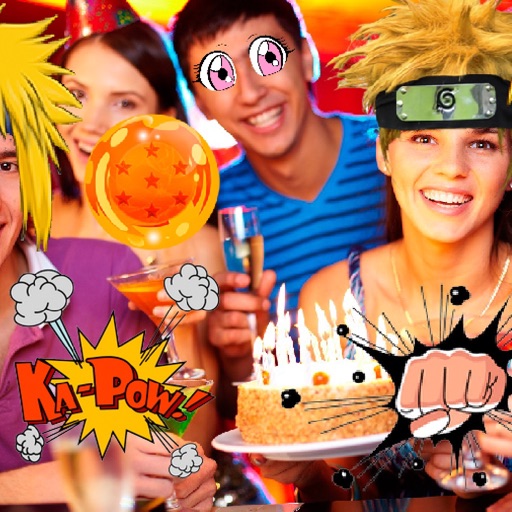
Select photos and adjust layout, size, and position. Apply filters, rotate, flip, and modify brightness, saturation, and contrast. Add borders with customizable size and color. Share edited photos directly to Instagram, LINE, Twitter, and Facebook.
by Ode Tomoyasu★ 4.536 ratingsPhoto & VideoFreeData updated 2026-09-10
The app allows users to add typography, filters, frames, shapes, and stickers to photos. It includes tools to adjust sharpness, brightness, saturation, contrast, RGB, hue, and exposure.
Edit photos with Polaroid borders, effects, and film grain. Adjust brightness, contrast, and saturation. Add retro text and share directly to social media.
Edit photos by adjusting brightness, saturation, and contrast. Crop, rotate, and apply special . Draw on images, add text, and create graffiti. Share edited photos directly from the .
Edit videos by colorizing specific parts and adjusting brightness, saturation, and hue. Change of selected areas, adjust contrast and white balance, and apply vignette effects. Convert videos to black and white with retention in chosen details.
Create scary images by adding ghosts, snakes, and other effects. Crop and resize photos freely. Position and rotate guides. Apply effects and edit directly. Share via Facebook, Twitter, or email.
Edit photos with AI-powered tools for object removal, people elimination, blemish correction, and background editing. Adjust colors, brightness, and contrast. Add text and filters. Export and share edited images directly.
Edit photos and videos with templates, quotes, stickers, and customizable text. Scale, rotate, position, duplicate, and flip elements with touch gestures. Create collages and design posts for social media. Export and share edited content directly.
Edit photos and videos to post full size content to Instagram and other platforms without cropping. Add audio, effects, frames, text, stickers, and overlays. Trim, rotate, scale, and flip media.
Design and customize with unlimited cloud-stored options. Apply to photos and videos. Share edited content directly. Access new regularly without device storage limits.
Transform into a using recognition or preloaded images. Apply or horror organ filters to photos or videos. Add text messages to images. Save edited photos to the device. Share transformed images with friends via social media or messaging apps.
Capture photos with a vintage camera interface offering manual focus, exposure control, and film grain effects. Edit images using filters, brightness, and contrast adjustments.
Edit photos to convert them into and with adjustable contrast, brightness, and grain. Apply filters and vintage effects. Crop, rotate, and add text overlays. Save and share edited images in various formats.
Apply infrared-style filters to photos for a surreal, desaturated look. Adjust color balance and contrast to enhance the film-like effect. Share edited images directly or export in various formats.
Edit photos using filters designed to mimic the look of film taken in . Adjust brightness, contrast, and color tones. Save and share edited images directly.
Take photos with single-tap effects and professionally designed filters. Adjust brightness and contrast. Apply blur and focus. Rotate and crop images. Export edited photos in various formats.
Take photos or select images from the gallery. Choose or stickers and place them by tapping and dragging. Adjust size, rotate, or move stickers as needed. Share edited photos directly.