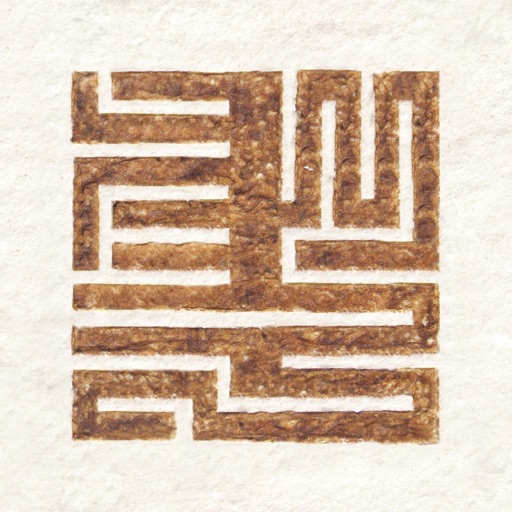
Create and edit traditional Mongolian text with Unicode support. Share formatted text as images to social networks. Enable copy-paste for Unicode text.
by Jonathan Sande★ 4.18 ratingsSocial NetworkingFreeData updated 2026-09-10
Create checklists, to-do lists, and diaries with customizable page structures. Edit from the last saved page. Adjust text size by pinching the screen. Organize entries by genre using short sentences.
Add emojis to messages in apps like Facebook Messenger, WhatsApp, and Viber. Access iMessage stickers without installing a keyboard. Copy-paste emojis directly into conversations.
Organize links to images, , and GIFs from social media. Share directly to other apps. Access all organized links within the . Play without leaving the .
The app functions as an FTP client, enabling file downloads and uploads. It provides local file management, sharing via USB or WiFi, and supports various file viewing options including documents, photos, and videos.
Track syllables per line in using built-in counters. Access over 175 from 37 poets for inspiration. Write without signup or account creation. Export directly.
Transcribe audio and video content into text. Convert speech to text from meetings, lectures, or voice recordings. Generate AI-based summaries of transcribed content. Paste YouTube links to automatically transcribe videos and create summaries.
The app converts typed or pasted text into spoken words using human-quality voices. It supports all major languages and offers unlimited usage for frequent phrases.
Create videos from text prompts and optional images. Input detailed descriptions to guide generation. Tap generate to produce videos in seconds. Export and share the final output.
Create QR codes from text, URLs, emails, phone numbers, and SMS. Save, email, or share QR codes. Access a history tab to view and reuse previous codes. Export options include photo library, notes, and sharing.
The app allows users to add styled text and effects to images for social media sharing. It offers an intuitive interface, image import options, cropping, filters, and text manipulation features including 3D functions.
Record and convert them to text in real time. Transcribe conversations, meetings, or brainstorming sessions with high accuracy. Edit and export transcriptions directly. Share across devices and platforms.
Allows users to save copied texts and images for later use. saved content directly into new messages or documents. Manage a history of copied items and access them instantly without repeating the process.
Extract text from scanned images and convert to Word, Excel, or PDF. Edit extracted content in Word or Excel. Convert tables and format from images to Excel or Word. Save as text files or PDFs. No registration required for conversions.
Enable Arabic keyboard for support. Type or paste text in Quick Editor or Notes. Use to add vowels and symbols. Apply modified text to the editor. Includes tools for Quran, hadeeth, and school texts.
Translate messages in real time by typing naturally. Display original and translated text side by side. Support multiple languages. Enable seamless communication across language barriers without switching apps.
The app converts numbers between binary, hexadecimal, octal, and decimal formats. It includes functions for bit shifting, adding one, and subtracting one, with an optimized keyboard for input.
Convert speech to text with one button press. Adjust text size for better readability. Support real-time transcription during conversations. Share transcriptions via email or messaging. Sync with hearing aids for improved clarity.