
VDFR - Videos Stories
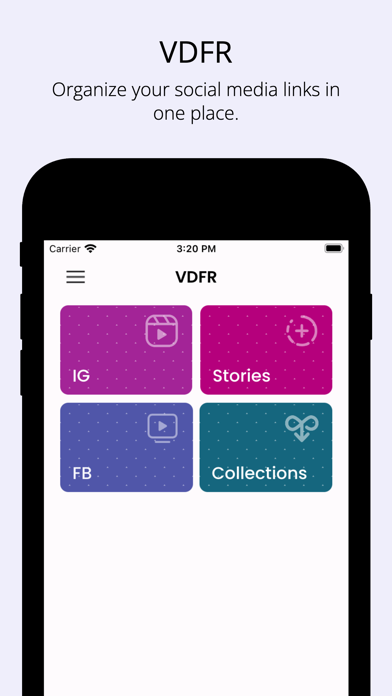
Organize social media links and share
Aculix Technologies LLP
iPhone Screenshots

Description
Organize links to images, , and GIFs from social media. Share directly to other apps. Access all organized links within the . Play without leaving the .
VDFR offers a quick and easy way to organize links to images, videos, and GIFs from social media.
Features:
- Easily organize links to images, videos, and GIFs from social media sites.
- Share the videos to any app directly from the VDFR app.
- Access all your organized links right inside the app.
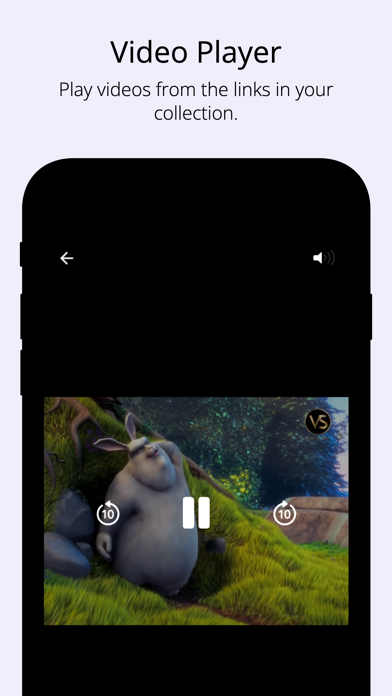
- Play videos right from the app.
How to use:
Method - 1 (Recommended)
1. Open the post with the video that you want to collect.
2. Tap on the 'Share' icon below the post to open the share sheet.
2. Select VDFR from the list of apps to save the link to your collection.
Method - 2
1. Copy the link to the post with the video that you want to collect.
2. Open the VDFR app and use the clipboard icon to paste the link.
3. Tap on Find to save the link to your collection.
Cheers! :)