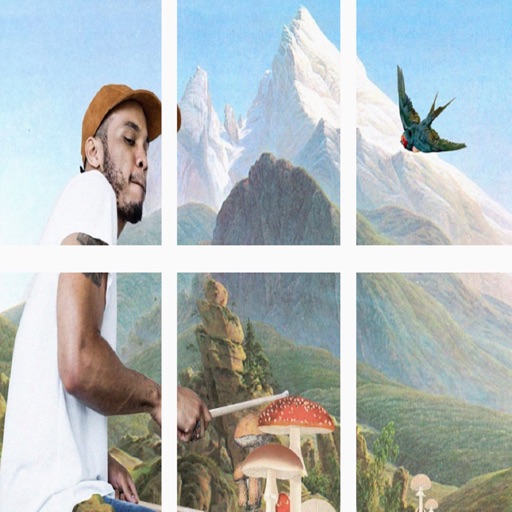
Split photos into multiple squares for Instagram posts. View metadata, edit images, add tags and descriptions. Organize photos with titles and personal branding. Share directly to Instagram.
by Juan Arreguin★ 4.4119 ratingsPhoto & VideoFreeData updated 2026-09-10
Convert photos, receipts, and notes into professional PDFs. Automatically detect document edges, remove backgrounds, and straighten pages. Save as PDF or image formats. Share or email scanned documents directly.
Edit photos with one tap using 50+ overlays and blend modes. Adjust opacity and apply filters. Create movie posters with custom combinations of overlays and filters. Share edited photos directly to Instagram, Facebook, or TikTok.
Split images into 1x2, 1x3, 2x3, 3x3, or 4x3 grids. Adjust photos by zooming, moving, or rotating. Export high-resolution splits. Post split images directly to Instagram as a single photo.
The app provides control over countdown timer displays. It features large 5.5” tall numbers visible up to 125 feet, housed in a black extruded aluminum case with red LEDs.
Edit photos with border, frame, text, and sticker options. Add custom textures or personal photos as design elements. Use high-resolution stickers to enhance creations. Export edited images in various formats.