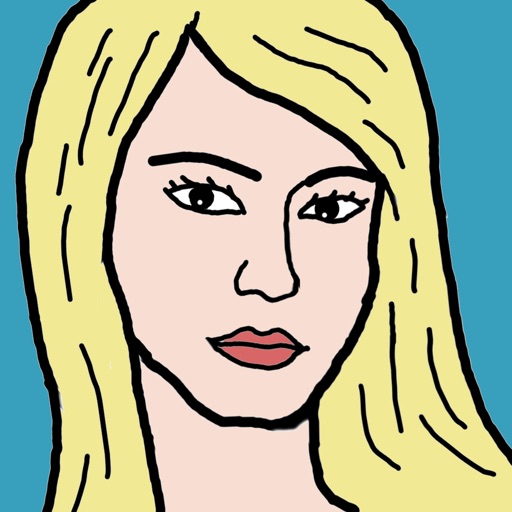
Take a selfie and submit it for others to portraits. Browse community artwork including masterpieces, doodles, and caricatures. Use GPU-accelerated tools with various brushes for drawing.
by Voxeloid Kft.★ 4.2284 ratingsPhoto & VideoFreeData updated 2026-09-10
The app offers over 20 drawing tools that mimic real-life implements, including wet and dry watercolor brushes. It features a tracing projector, precision tools like rulers and shapes, and full layer support for creating detailed artwork.
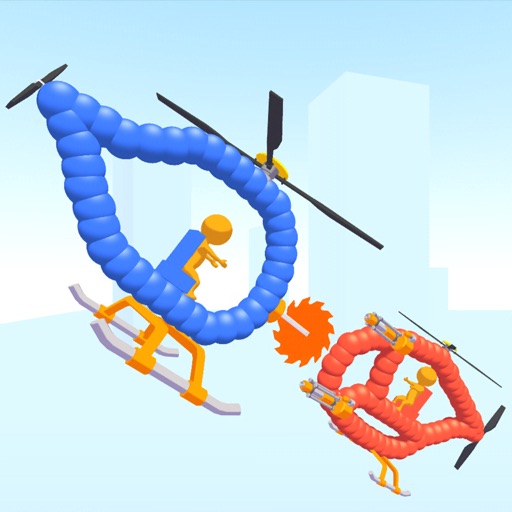
Create custom helicopters with drawing tools, select from guns, machine guns, and lasers. Battle enemies in increasing difficulty levels. Progress through stages to face stronger opponents. Play freely without cost.
Create intricate tessellations and mandalas using 20 symmetry options. Draw with customizable colors and patterns. Adjust symmetry settings to design complex shapes. Save and export artwork in various formats. Share creations directly from the .
Create digital artwork with drawing tools, brushes, and materials. Use filters, screentones, and blending modes. Import images and vector graphics. Save and share drawings. Access additional features with an in- purchase.
Create from photos or hand-drawn doodles. Edit with cropping, rotation, and color adjustments. Save and send via iMessage. Use Apple Pencil for detailed drawing on iPad.
Create flipbook animations with frame-by-frame drawing. Use pressure-sensitive pen and eraser tools for artistic effects. Edit with undo/redo features. Add predefined animations and effects. Export and share finished projects.
The app allows users to create animated glow art in 3D using various brushes and a full spectrum of colors. Users can pan, zoom, and spin their creations, record videos, and utilize symmetries up to 64.
Solve puzzles by matching colors and shapes. Clear levels by completing patterns. Earn points and unlock new challenges. Track progress and compete with friends. Share achievements on social media.
Allow users to fill in pictures with various colors. Drawing let users create their own artwork. A scribble pad provides a space for freehand drawing. Sticker lets users add stickers to images.
Create patterns by strokes. Choose from eight modes and over 10 brushes. Select from endless colors. Save and share artwork. Adjust settings for brush size and speed.
Create intricate designs, patterns, and mandalas using intuitive drawing tools. Use a single stroke to generate complex artwork. Access a variety of brushes and color options. Save and share creations directly.
To cute art with step-by-step lessons. Choose from categories like smilies, food, fruits, and trees. View drawings in list or grid format. Follow detailed instructions to create each illustration. Save and share completed drawings.
Learn to step-by-step with detailed instructions. Access tutorials for sports , , police , fire trucks, motorcycles, ambulances, helicopters, and caricatures of athletes. Follow structured lessons to practice drawing specific vehicles and figures.
Learn to draw anime characters with structured lessons covering basic poses and chibis. Access coloring pages for stress relief. Use realistic brushes to enhance techniques. Track progress and practice different art styles.
A game allows offline art creation without ads. Users can color and draw princesses, unicorns, and animals. Features include animated elements that react to color, confetti effects, and a sketchbook interface for creative sessions.