Take a selfie and submit it for others to portraits. Browse community artwork including masterpieces, doodles, and caricatures. Use GPU-accelerated tools with various brushes for drawing.
by Voxeloid Kft.★ 4.2284 ratingsPhoto & VideoFreeData updated 2026-09-10
Edit photos with advanced filters, cropping, and adjustment tools. Create digital art using AI image generation and text-based ideas. Enhance images with AI-powered tools and export in multiple formats. Share edited photos directly from the .
Can and color with tools like pencils, brushes, and crayons. They can create paintings of animals, fruits, and vehicles. Includes pages for princesses and toddlers. Features a drawing book and creative doodling options.
Create portraits with customizable features like accessories, eye shape, lip style, and hairstyles. Draw easily with detailed tools. Export and share finished sketches.
Solve puzzles by assembling pieces into a drawing. Watch the painting animate as it completes. Choose from themed puzzles with detailed artwork. Customize colors and brush styles. Save progress and revisit puzzles later.
The app offers a digital coloring experience with over 120 free animal pictures. It features a stay-in-line brush, nine brushes for painting and drawing, and 50 pattern brushes for a unique coloring book and drawing pad.
Create digital art with drawing, coloring, and animation tools. Use versatile templates for Anime, Animals, Flowers, Landscapes, Mandalas, and more. Access dual drawing modes for layered artwork.
Lets users paint mandalas, patterns, animals, florals, and themed images. Upload personal drawings for enhanced visuals. Use AR to view artwork in real-world settings. Create mandalas with simple swipes. Save and share completed artwork.
On with precise tools. Add text, shapes, and stickers. Insert layers and blend images. Create collages with frames and stamps. Design custom stickers and share directly via iMessage or the .
Create sketches and drawings using built-in brushes and canvases. Trace real-world images with AR technology. Save and share artwork directly. Adjust brush size and opacity for detailed work. Import images to base drawings on.
Identify missing parts in scenes and them to the image. Tap to select drawing tools and adjust strokes. View completed scenes and compare with original. Track progress through different puzzle levels.
Learn to characters and animals with guided tutorials. Choose colors and customize designs. Save and share drawings. Access a variety of kawaii characters, anime, food, and holiday themes.
Create art with hand-drawn illustrations by Olivia De Bona. Choose from 50+ exclusive designs. Use tools to , sketch, and customize images. Save and share completed artwork. Adjust brush size and opacity for detailed work.
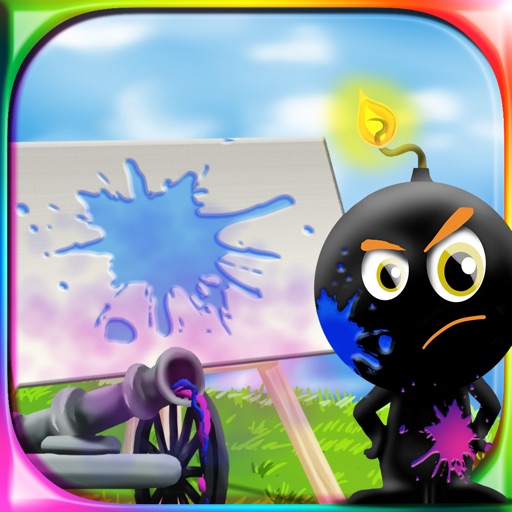
The app provides a drawing experience for all ages. Users aim and shoot colored cannonballs to create artistic splashes on a canvas and use brushes to draw.
Create videos with drawing tools and edit existing movies. Add text, stickers, and effects. Export in various formats and share directly. Track editing progress and access advanced trimming features.
Create and edit digital artwork with layers, brushes, and custom tools. Adjust colors, brightness, and contrast. Import photos and sketches. Save and export in various formats. Apply filters and effects. Collaborate with others through cloud sharing.
Create and edit digital art with brush tools, layers, and color blending. Import photos and sketches. Adjust brightness, contrast, and saturation. Add text and shapes. Export artwork in various formats and share directly.