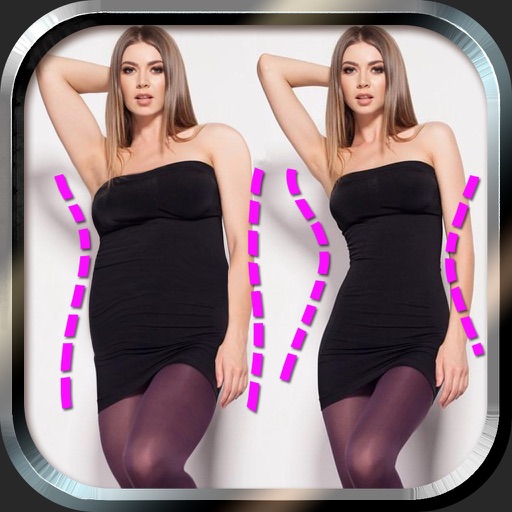
Edit photos to and body using auto-detection. Adjust and body thickness with sliders. manual edits and undo changes. Compare original and edited images. Save results to albums and share via email or social media.
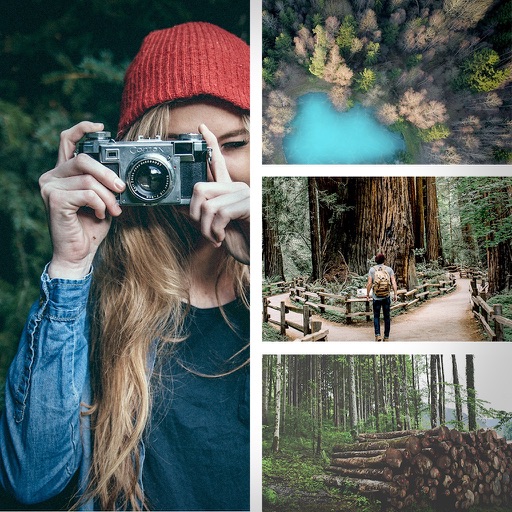
Create collages using free backgrounds, stickers, and fonts. Add text and images. Save collages to device or print. No account or social sharing required. Suitable for classroom and children use.
Create collages by combining multiple photos using drag-and-drop layout tools. Edit individual images with cropping, filters, and brightness adjustments. Add text, stickers, and frames to enhance visuals.
Create collages using 9 photos. Tap frames to insert images from the photo library. Resize, reposition, and crop photos within each frame. Preview the in full size and save it to the photo library.
Resize photos to format without cropping. Apply filters, add text, emoji stickers, and customize background effects. Share directly to social media platforms.
The app offers professional beauty tools for skin makeovers and selfie filters. It includes various camera lenses, silent mode, and collage features for sharing on social networks.
The app creates photo collages in user-defined sizes for various platforms and printing needs. Users can select from over 300 layouts, adjust images, and save or share the final collage.
The app allows users to create collages on square backgrounds and add text. Users can choose backgrounds, add pictures, and modify text properties like font, size, color, transparency, and rotation.
Create flyers, posters, logos, and social media graphics with customizable fonts, filters, shapes, and artwork. Add text, adjust colors, and export designs for print or online use.