Create and edit drawings with a variety of colors and brushes. Sketch freely and refine details. Save, share, and publish artwork. Include step-by-step process for each drawing. Export in multiple formats and share directly.
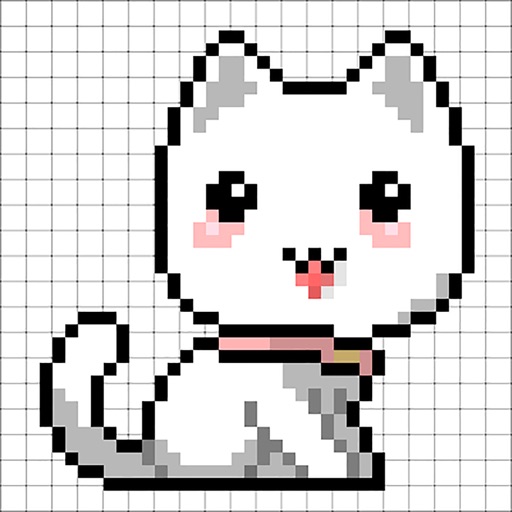
The app offers a powerful, beautiful, and simple pixel editing experience for professionals, hobbyists, and newcomers. It features a clean interface, responsive drawing, unlimited undo, and a robust toolset for creating pixel art.
Create animated swirling patterns and kaleidoscope artworks. Select from various brush styles and color palettes. Adjust speed and symmetry settings. Save and share generated artwork. Relax through interactive, meditative visuals.
Create pixel art with a one-handed interface, layer system, and 1024x1024 canvas. Select ranges, use a visible grid, and edit with native performance. Save and share artwork directly.
Create symmetrical Easter egg drawings with customizable background and brush colors. Select from four brush sizes. Save or share artwork. in random mode for automatic brush size changes.
The app extracts colors from photos or camera snapshots to create palettes. It displays colors in HEX, RGB, HSL, and HSB, and allows users to copy codes or export palettes in various file formats for design projects.
Use camera as tracing projector to on paper. Trace lines directly with pencil. Access and painting features. Learn to people, anime, and objects. View step-by-step guidance for artistic techniques.
Draw shapes by touching the screen and moving your finger. Adjust color and size settings. Save and share completed drawings. Receive feedback on accuracy and precision.
The app allows users to draw directly onto their camera lens or photos. Users can add captions, stickers, and doodle on images before saving and sharing them.