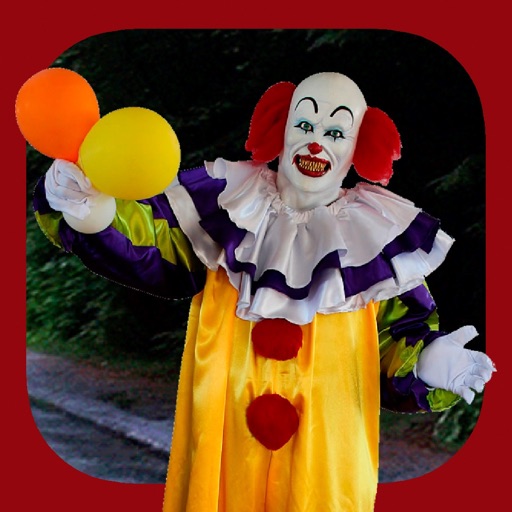
Add clown to photos for a scary effect. Choose from available , position them, and change background to black or white. Edit images using built-in tools and save or share the modified photos.
Take photos with three quality levels: medium, low, and very low. Apply 18 filters. Capture square images. Adjust saved photo quality to reduce file size. Share directly from the .
Take photos with the camera or select from the gallery. Choose from over 50 to add to images. Place by tapping and dragging them onto the . Share the edited directly.
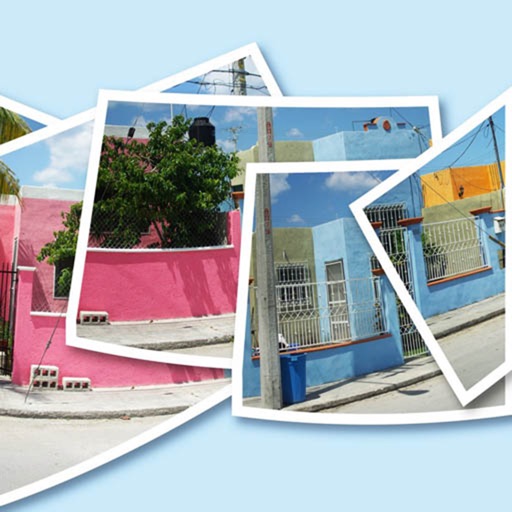
AutoStitchPic combines multiple overlapping photos into a single continuous image. Users can merge horizontally or vertically tiled photos, including multi-row arrangements. The allows merging 3-30 images to create panoramas.
Compress photos and videos to free up storage space. Select multiple files up to 30 at a time. Adjust compression settings to balance quality and file size. Share compressed files directly or save to device.
Edit photos with over 120 shapes and frames, including 20+ frames. Create collages using repeated image parts with shading. Adjust shape size to fit edges or normal scale. Add optional borders. Zoom and pan photos anytime. Rotate photos anytime.
Create and send professional orders to customers. Set up clients from contact list. Save product details for faster creation. Apply discounts on items or totals. Track incoming orders and manage them efficiently.
Edit portraits with AI to add a soft smile, brighten eyes, reduce dark circles, and smooth skin. Select faces or apply edits to the entire image. Share edited photos directly.
Edit PDF documents by adding text, highlights, underlines, and shapes. Customize text with fonts, sizes, colors, and transparency. Annotate pages to emphasize key information and improve clarity for notes, documentation, or presentations.
Facilitate student reflection and collaboration through structured discussion prompts. Track participation levels and types graphically. Provide instant feedback to support growth and .
See color values in real-time using the camera or convert photos to grayscale. Measure lightness of specific points. Apply grayscale filters for sketching. Helps with grayscale art and contour line practice.