Lets users view colors as they appear to people with color blindness. Point the camera at objects to see color variations. Adjust color settings to enhance accessibility in designs. Analyze color choices in images for better understanding.
by Michel Fortin★ 4.8165 ratingsPhoto & VideoFreeData updated 2026-09-10
Edit photos with and vintage effects like lights, Miami Filter, and UV. Apply gradient map-based for night lighting. Create abstract designs with colored glass effects. Adjust brightness, contrast, and color balance.
Arthur Eduardo Skaetta Alvarez Desenvolvimento de Software LTDA.
With one touch
Using AI to add color to black and white images. Import from camera or photo library. Adjust color intensity with a slider. Save or share the edited image.
Allows users to build a career, invest in real estate, freelance, and develop businesses. Track stocks and manage finances. Set goals for education, networking, and personal development. Balance work and life, start a family, and overcome bad habits.
Apply filters to photos with 20 options. Select and combine up to two colors using a spinning interface. Add shapes with 21 choices, using single or multiple colors. Save edited images directly.
Create and annotate digital whiteboards for tactical planning. Collaborate in real-time with team members. Save and organize notes, diagrams, and strategies. Share boards via links or email. Export content as images or PDFs.
Learn through interactive coloring activities. Select and apply them to a coloring book. Choose from 11 color names in 20 languages. Complete coloring pages to reinforce color recognition.
Convert photos to black and white drawings for . Import photos from device or camera. Add colors using painting tools. Create drawings on blank canvas. Premium version offers more paint colors, opacity control, and outline editing. Removes ads.
Record high-resolution video in multiple aspect ratios and frame rates. Adjust focus, exposure, tint, and temperature with swipe gestures. Create and save custom aspect ratios. Crop media or optimize for Instagram using color-based mattes.
Learn colors through interactive storytelling and coloring activities. Explore color mixing and naming. Create custom color combinations. Save and share artwork. Sync with devices for continued play.
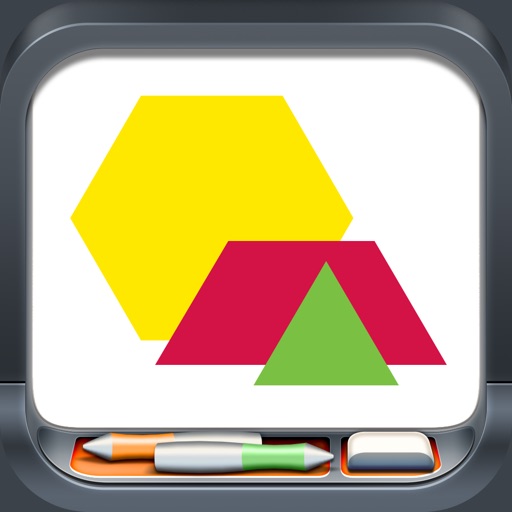
Explore geometric shapes including hexagons, trapezoids, parallelograms, and triangles. Manipulate pieces by dragging, copying, rotating, and flipping. Group shapes and use snapping features for precise alignment.