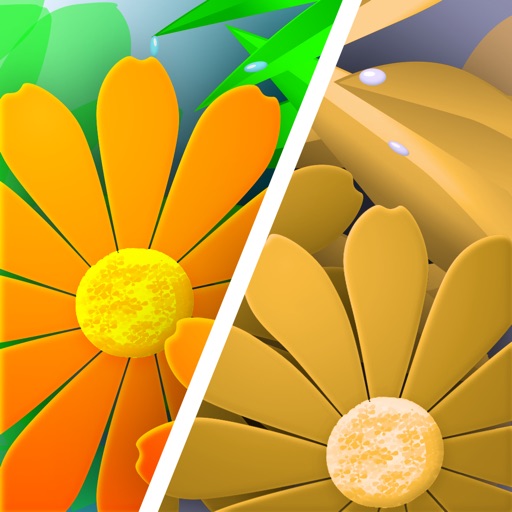
Sim Daltonism
View colors through color blindness simulation
Michel Fortin
iPhone Screenshots


Description
Lets users view colors as they appear to people with color blindness. Point the camera at objects to see color variations. Adjust color settings to enhance accessibility in designs. Analyze color choices in images for better understanding.
From the perspective of a color blind person, some colors are impossible to distinguish. Sim Daltonism lets you visualize colors as they are perceived with various types of color blindness.
Point your camera at something and let Sim Daltonism show you what it looks like to a color blind person. Use it to improve visual designs by making them more accessible, to understand better strange colors choices on a child’s drawing, or simply to get a better understanding of the world from the perspective of a color blind person.
Simulated Vision
Sim Daltonism can simulate the vision of many forms of color blindness:
Red-Green
• Deuteranopia (no green cones)
• Deuteranomaly (anomalous green cones)
• Protanopia (no red cones)
• Protanomaly (anomalous red cones)
Blue-Yellow
• Tritanopia (no blue cones)
• Tritanomaly (anomalous blue cones)
All colors
• Monochromacy
• Partial monochromacy
Note that the colors shown are only an approximation. Color blindness varies from person to person and the simulator cannot represent everyone’s vision. Many other factors can affect the results, such as the automatic white point calibration of the camera. Nevertheless, Sim Daltonism is a good tool to better understand color blindness.
Sim Daltonism is open source.