Transform photos into cartoons, comics, or illustrations using live camera preview and filters. Edit images with adjustment tools and add text. Export high-resolution images. No advertisements.
Create silhouettes from side-view photos using AI to detect contours. Adjust the with an eraser and pen tools. Choose between classic black-on-white or unlock color options via in- purchase.
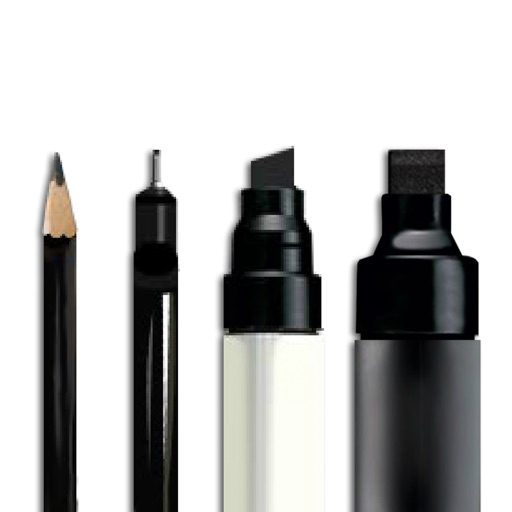
And create sketches or doodles with customizable colors and typography. Use pencil, pen, or brush tools. Choose from textured, staff, grid, or blank backgrounds. Share through any phone program. Vote for improvements.
Add to photos using over 63 customizable fonts. Customize , size, and color. Apply filters, stickers, and artwork to enhance designs. Save and share edited images directly.
The app offers a versatile inking tool for drawing, with over 100 color schemes that preserve the drawing's value scale. It facilitates rapid sketching across multiple pages with minimalist design and fluid navigation.
Create digital art with a variety of Procreate tailored for different styles and techniques. Adjust brush settings for pressure sensitivity and flow. Save and organize artwork in a digital gallery. Export creations in multiple file formats.
Take notes with pen-like drawing on iPad using Apple Pencil. Save and organize notes across devices via iCloud. Access built-in tools for formatting and annotating. Share notes directly from the .
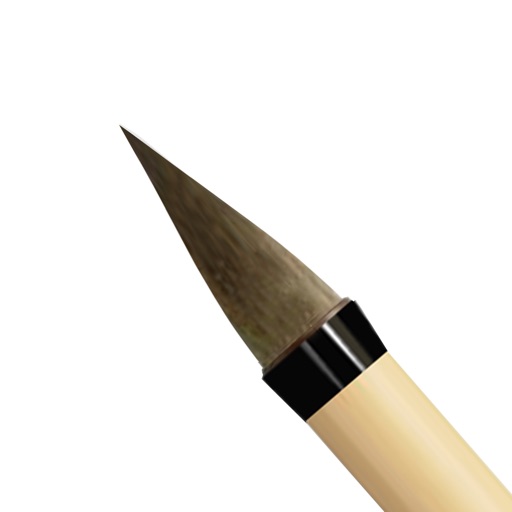
Draw with a brush that adjusts width based on finger movement speed. Create Japanese calligraphy or watercolor paintings. Select or capture background images. Save or export drawings to other apps.
Draw and animate illustrations with a wiggle animation engine. Export creations as animated GIFs. Share artwork directly without accounts or ads. Collaborate with other artists in a community-driven environment.
Create a by handwriting with customizable color and pen thickness. Choose from different pen and eraser tools. Undo or redo actions. Save the as an image or copy it to the clipboard. Scale display is available.
The app allows users to sketch ideas and take notes using their fingers. Users can save drawings to their device's camera roll or share them via social networks and other image-handling applications.