Apps Like Grid # - Add grid on image for iPhone and iPad
Add grids to images and customize styles
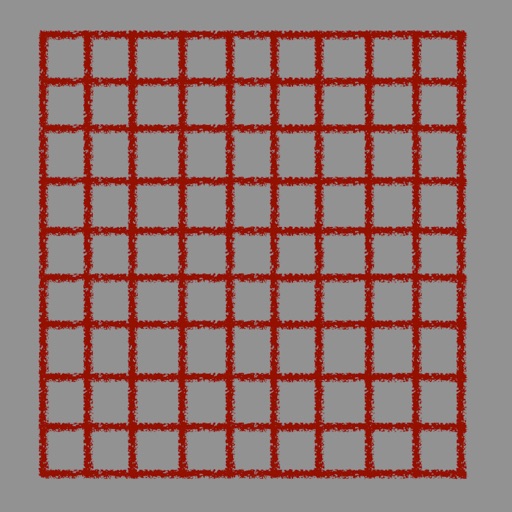
Add grids to images with 5 types including rectangle and square options. Customize lines with RGB colors. Adjust rows and columns or set row height and column width. Export edited images.
by 金鹏 王★ 4.610,017 ratingsPhoto & VideoFreeData updated 2026-09-10
The app allows users to fit full-size photos into a square format for posting without cropping. Users can move, rotate, scale, or flip photos and change backgrounds using colors, gradients, or patterns.
Resize images by adjusting height or width while maintaining aspect ratio. Compress files to reduce size. Save to camera roll, Files , or share via email, printer, and other native options.
Create and edit digital art with customizable brushes and color palettes. , , and apply filters. Import and modify photos. Save and share artwork. Sync with Apple Health for progress tracking.
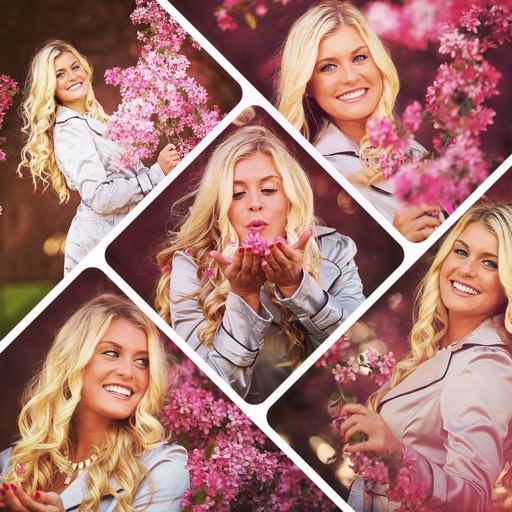
Create collages with customizable grids and multiple layout options. Add photos by selecting from camera or gallery. Adjust images using zoom and touch gestures. Change background colors or themes. Save or share collages through social media apps.
Create custom collages and photos with precise measurements. Adjust using millimeters, centimeters, and inches. Rotate and mirror images for accurate alignment. Export and directly from the .
Create collages with up to 16 images. Rearrange photos and select from 200+ grid layouts. Adjust spacing, padding, and layout ratio. Apply filters to multiple photos or individually.
Split photos into multiple squares for Instagram posts. View metadata, edit images, add tags and descriptions. Organize photos with titles and personal branding. Share directly to Instagram.
Calculate requirements for concrete slabs by entering dimensions, spacing, and edge distances. Determine layout and quantities needed. Switch between imperial and metric units. Export results via text or email.
Create collages by combining multiple photos using various frame patterns and grid layouts. Apply over 1100 design styles to individual images or collages. Share finished creations directly from the .
Create collages with multiple formats including 2×2 square, three-tile vertical stack, two-column square, two-row square, portrait-2-rows, and hybrid layouts. Automatically adjust cell orientation to match clip direction for consistent results.
The app transforms photos into halftone and rasterized artwork using dots, lines, and shapes. It offers creative modes like Grid, Interlaced, Radial, and Photo, with options for bicolor, multicolor, or full color.